Tracking a Repair Without an Account
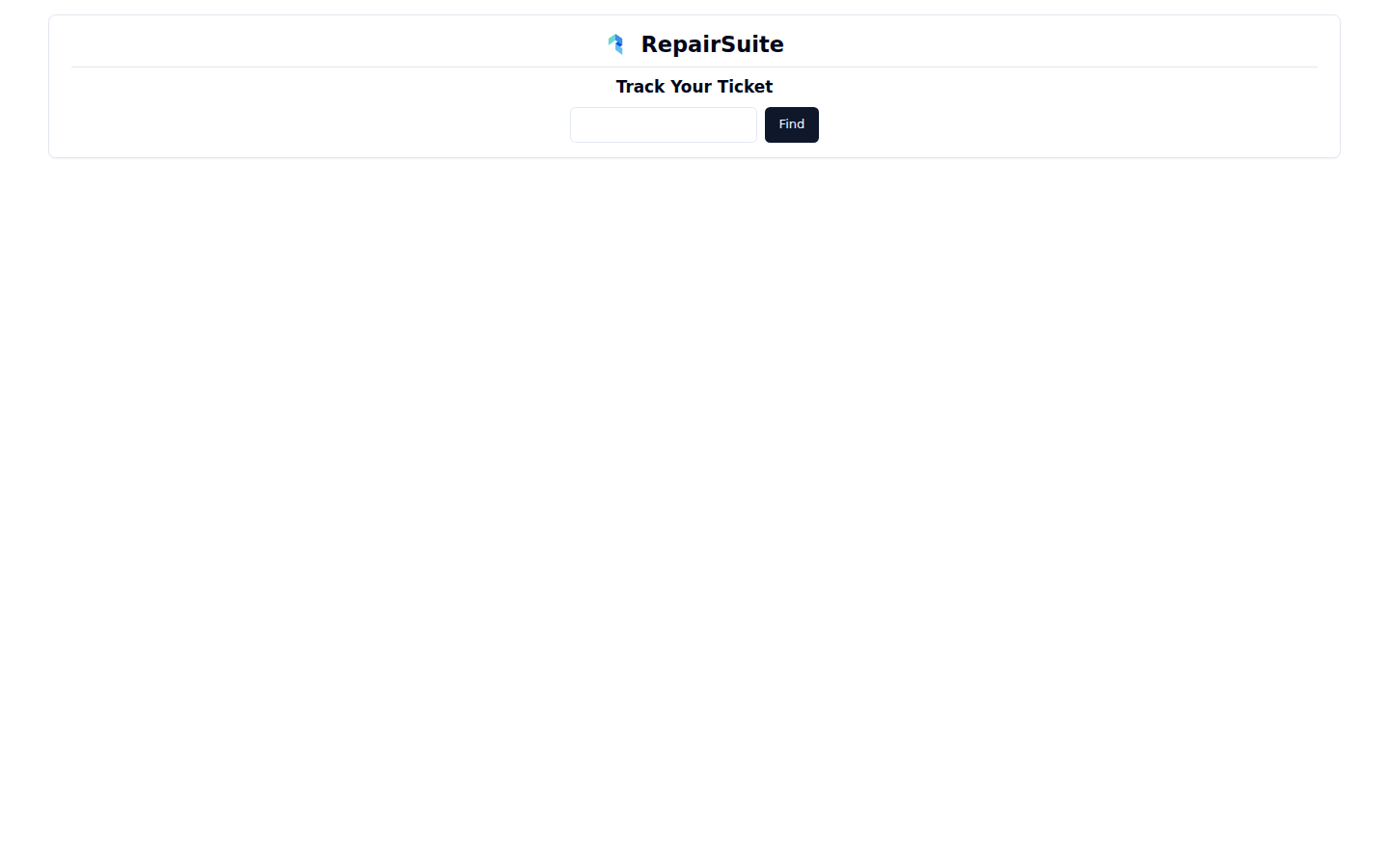
A customer does not need a RepairSuite account to follow their repair. The public job tracker at /ticket-tracking takes a job number and shows how far along the work is.
What the customer does
- Go to
/ticket-tracking - Type in the job number from their receipt — it starts with
TCI- - Click Find
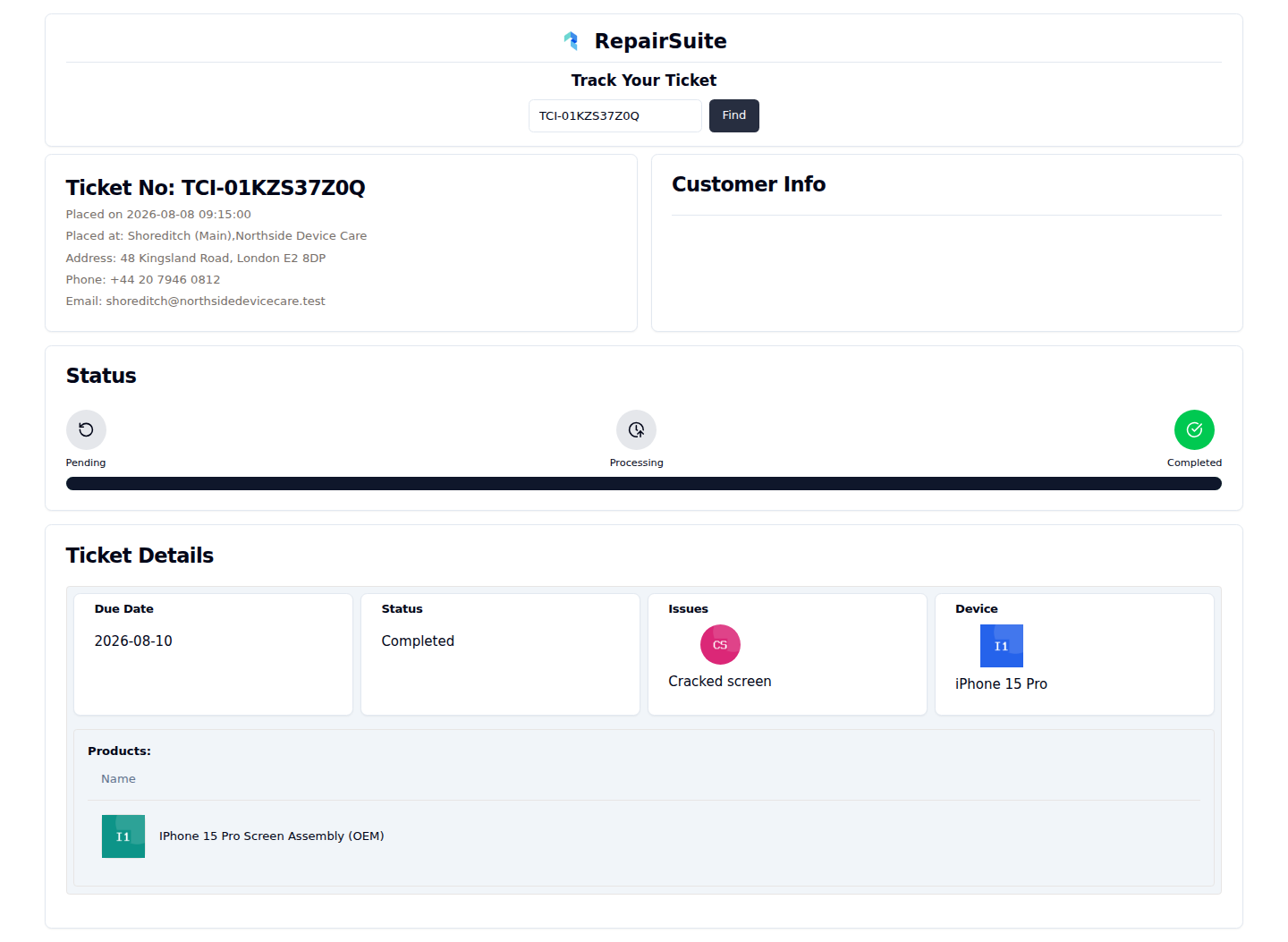
They see which branch has the device, where the repair has got to on the Pending → Processing → Completed timeline, the fault they reported, the device and the parts used.
What is deliberately not shown
Prices, payment status, internal notes, lock codes and contact details stay on the shop side. The tracker only reflects what the customer already told you.
Making it easy to find
Print the tracking address next to the job number on receipts and job labels. Most "is it ready yet?" calls then answer themselves.
The portal instead
Customers who register get more than the tracker: their whole job history, their invoices, online booking and notifications when a job is created or completed. See Customer Dashboard.
Full detail on the tracker itself is in Public Job Tracking.