My Jobs
Job in the customer portal lists every repair the customer has with your shop.
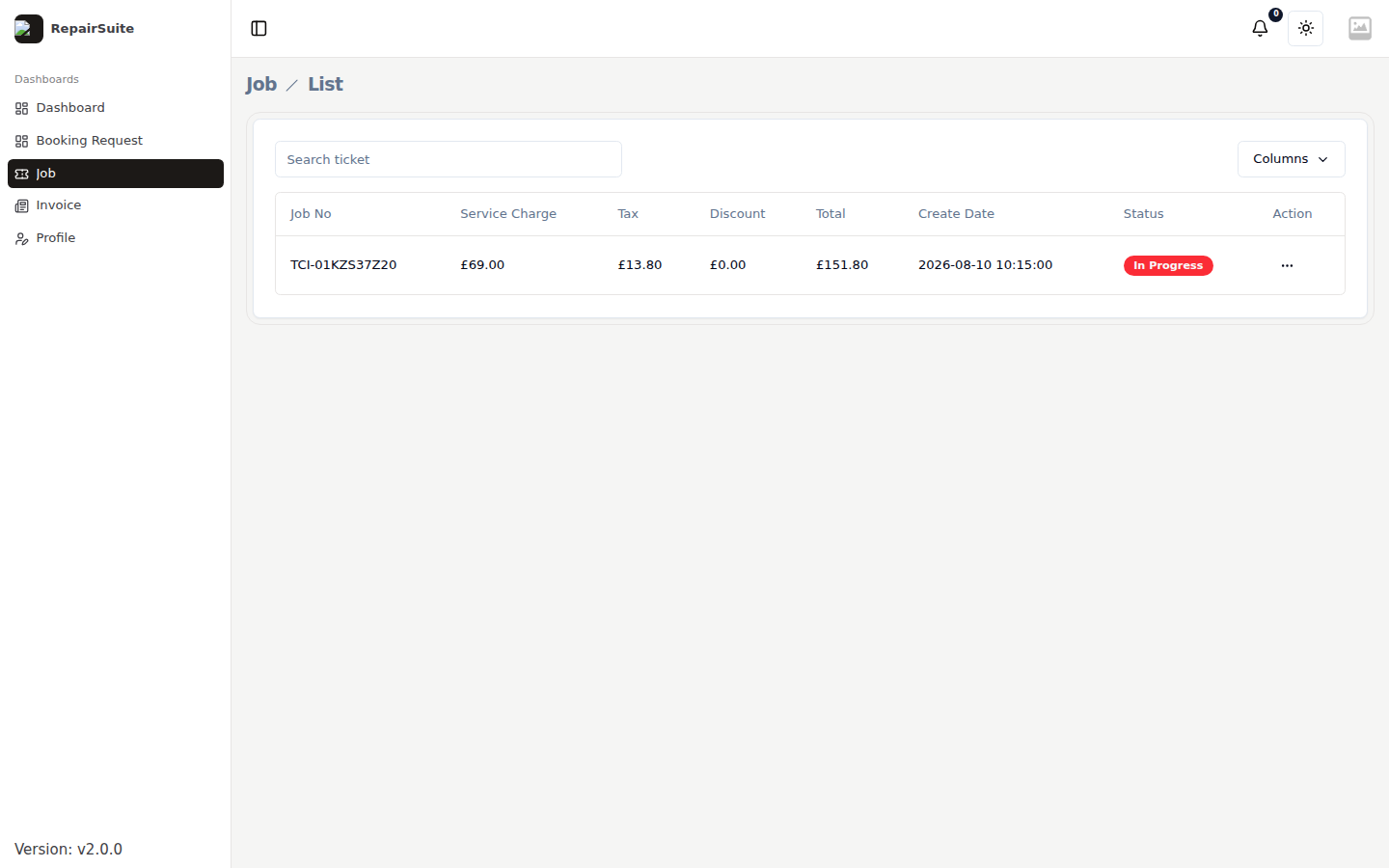
Each row shows the job number, its current status and when it was booked in.
Statuses
| Status | Meaning for the customer |
|---|---|
| Pending | Booked in, waiting for a technician |
| In Progress | Being repaired |
| Completed | Finished — ready to collect |
| Cancelled | The repair was stopped |
Job details
Clicking a job opens the full record.
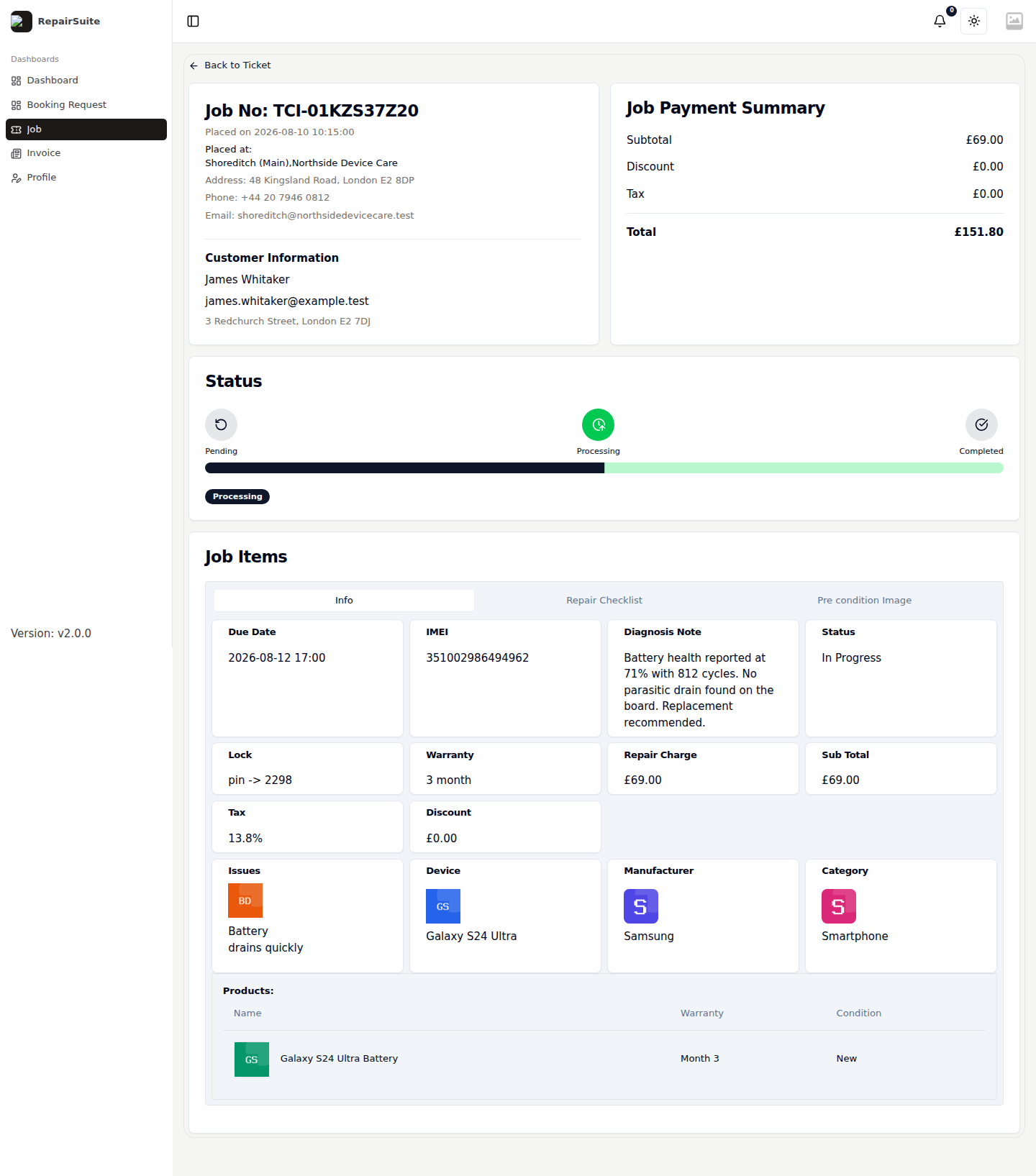
Customers see:
- The device — category, manufacturer and model
- The issues they reported
- Current status and where it sits on the timeline
- The parts used on the repair
- A link to the invoice
Internal notes, lock codes and staff assignments stay on the shop side and are not shown.
Notifications
Customers get a notification in the portal when a job is created and when it is completed, and an email if their address is on file. There is nothing for you to configure — it happens as the job moves.