Public Job Tracking
Anyone holding a job number can check its progress at /ticket-tracking, without creating an account or logging in.
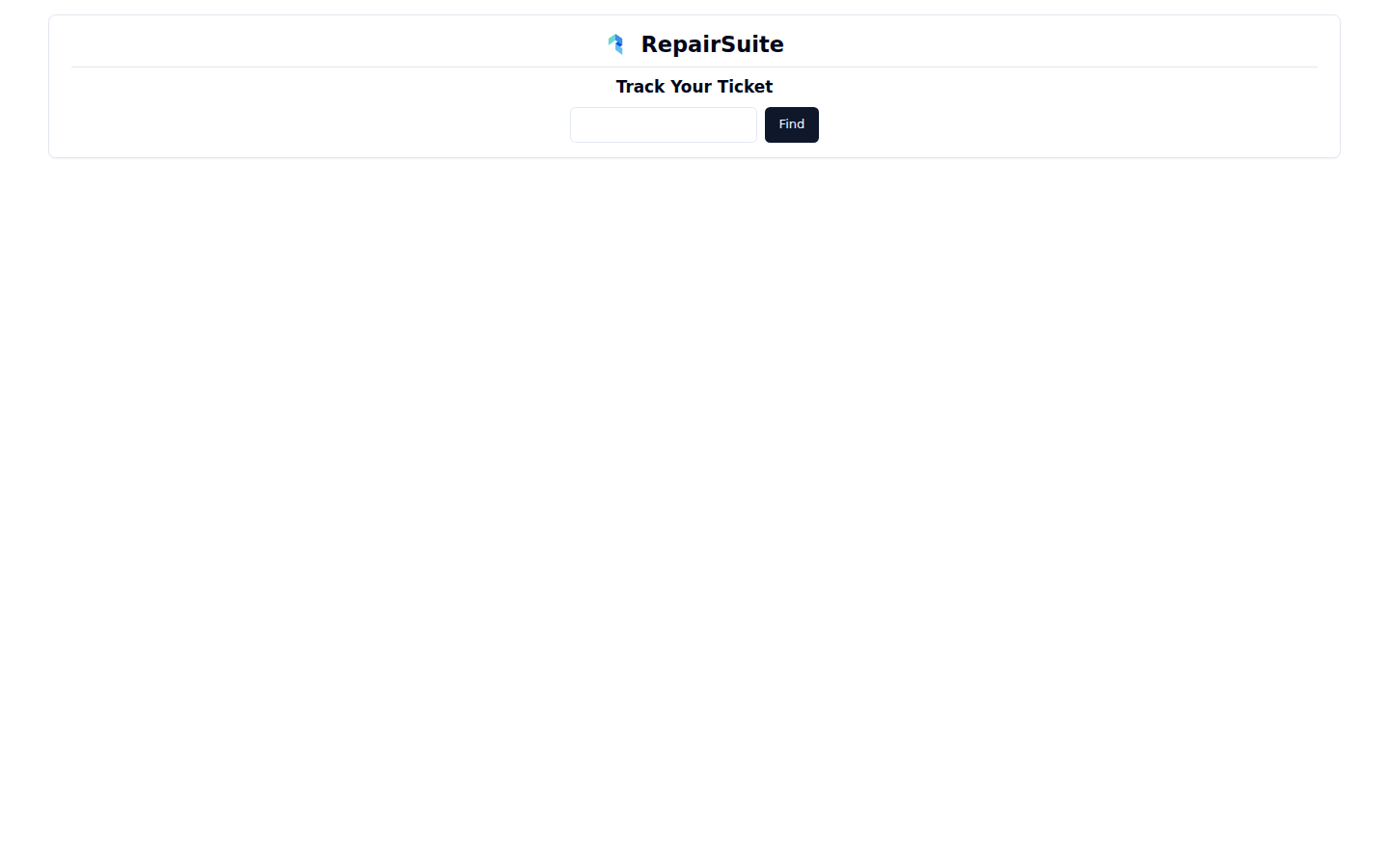
How to track
- Go to
/ticket-tracking - Enter the job number — it is on the receipt and the invoice, and starts with
TCI- - Click Find
What the customer sees
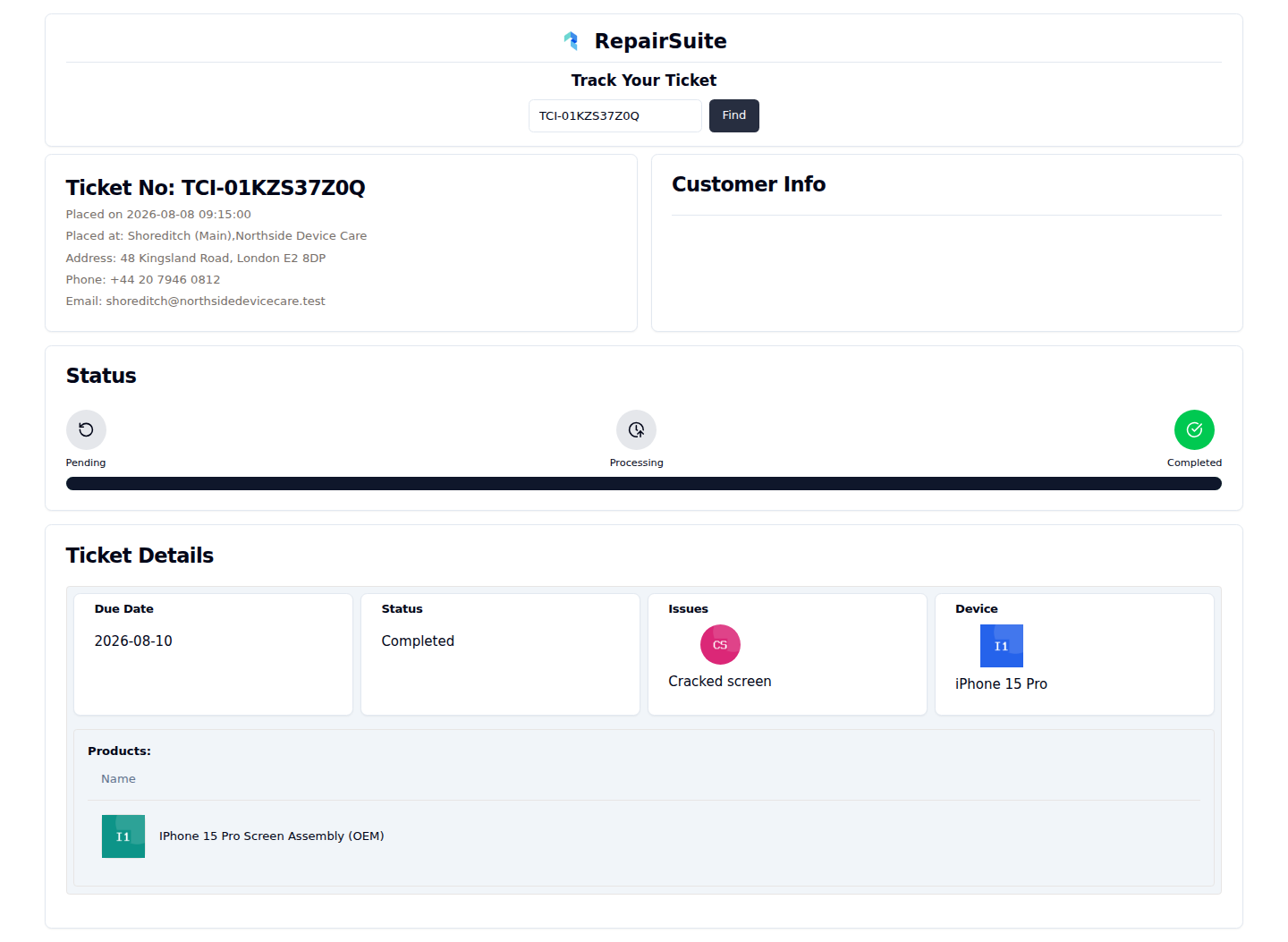
| Section | Shows |
|---|---|
| Job No | The reference and when it was placed |
| Placed at | The branch and shop, with its address, phone and email |
| Status | A Pending → Processing → Completed timeline, with the current stage marked |
| Job Details | Due date, status, the reported issue and the device |
| Products | The parts used on the repair |
Privacy
The tracker deliberately shows only what the customer already knows: their device, the fault they reported and how far along the repair is. Contact details, internal notes, lock codes, prices and payment information are not exposed.
Sharing the link
Print /ticket-tracking on your receipts and job labels alongside the job number, and most "is it ready yet?" calls answer themselves.
:::tip Registered customers get more: full history, invoices and notifications in the customer portal. The public tracker is for everyone else. :::