Registration
To use RepairSuite as a shop owner, you need to create a Shopper account. Customers register separately through a different flow.

Steps to Register
- Visit the RepairSuite URL provided by your administrator (e.g.
https://app.repairsuite.co.uk). - Click Register on the login page, or navigate to
/register. - Fill in the registration form:
- Full Name — your name
- Email Address — will be used to log in and receive notifications
- Password — minimum 8 characters, must include a mix of characters
- Confirm Password — re-enter your password
- Click Register.
- A verification email will be sent to your email address.
- Open the email and click the verification link.
- Once verified, you will be redirected to the dashboard.
:::tip If you were referred by an affiliate partner, make sure the referral link was opened in the same browser session before registering — the referral code will be applied automatically to your subscription. :::
Email Verification
After registering, RepairSuite requires email verification before you can access the platform.
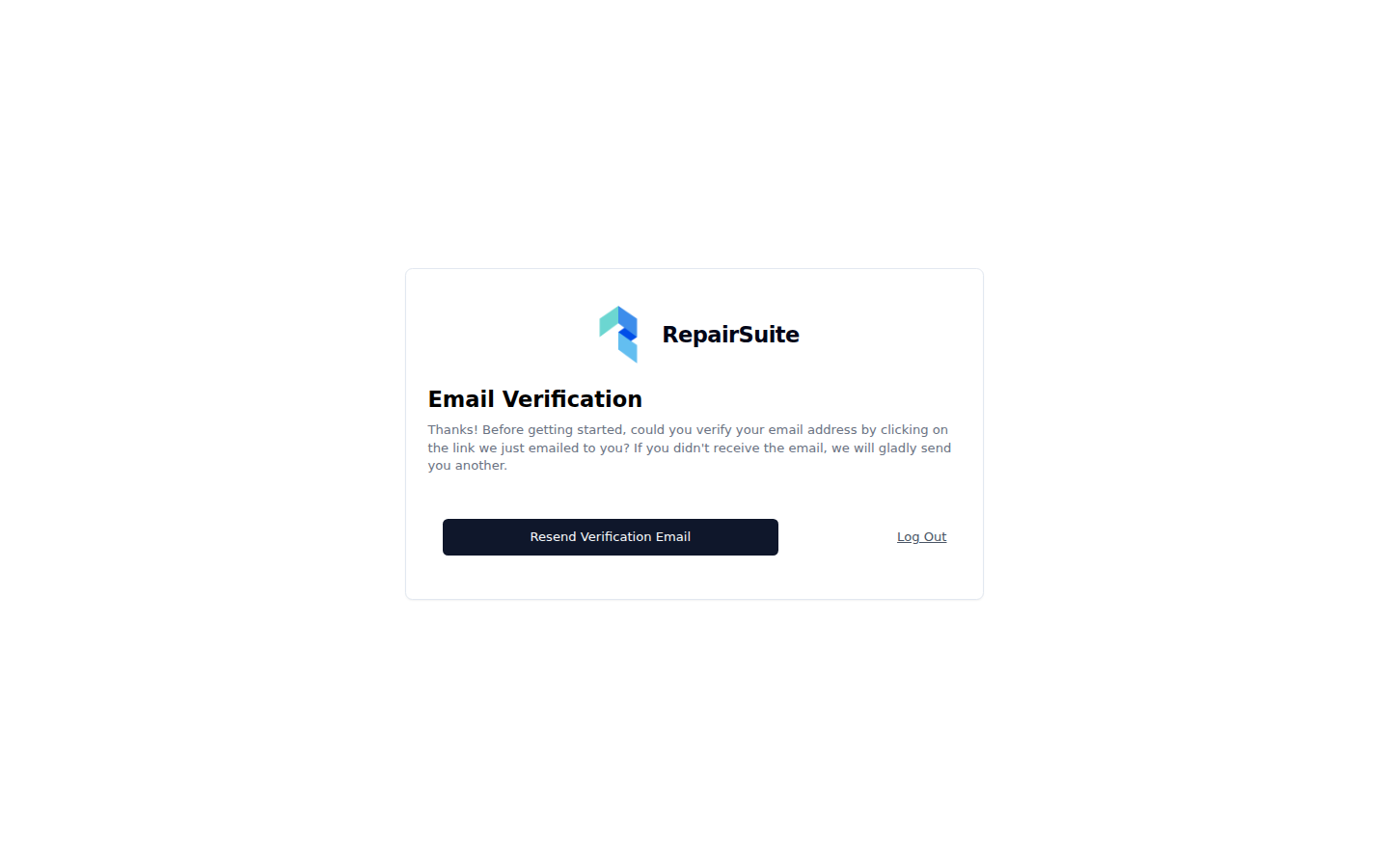
After registering you land on a verify your email address notice. Check your inbox and click the link. If nothing arrives within a minute, check your spam folder or use Resend verification email.
If you didn't receive the email:
- Check your spam/junk folder
- Click Resend verification email on the verification notice page
- Make sure the email address you entered is correct
After Registration
Once your email is verified, you'll be taken to your dashboard. However, before you can start using RepairSuite, you need to:
- Choose a plan or start a trial — see Subscription & Billing
- Create your shop — see Set Up Your Shop
- Create your first branch — see Set Up Your Branch
:::warning RepairSuite's main screens stay out of reach until all four of these are true:
- your email is verified
- you have an active subscription or trial
- you have a shop
- you have at least one active branch
The app redirects you to whichever step is still missing, so you cannot get lost. :::
Customer Registration
Customers register separately at /register/customer. It is a shorter form, and it gives access to the customer portal only — never to the shop management area.

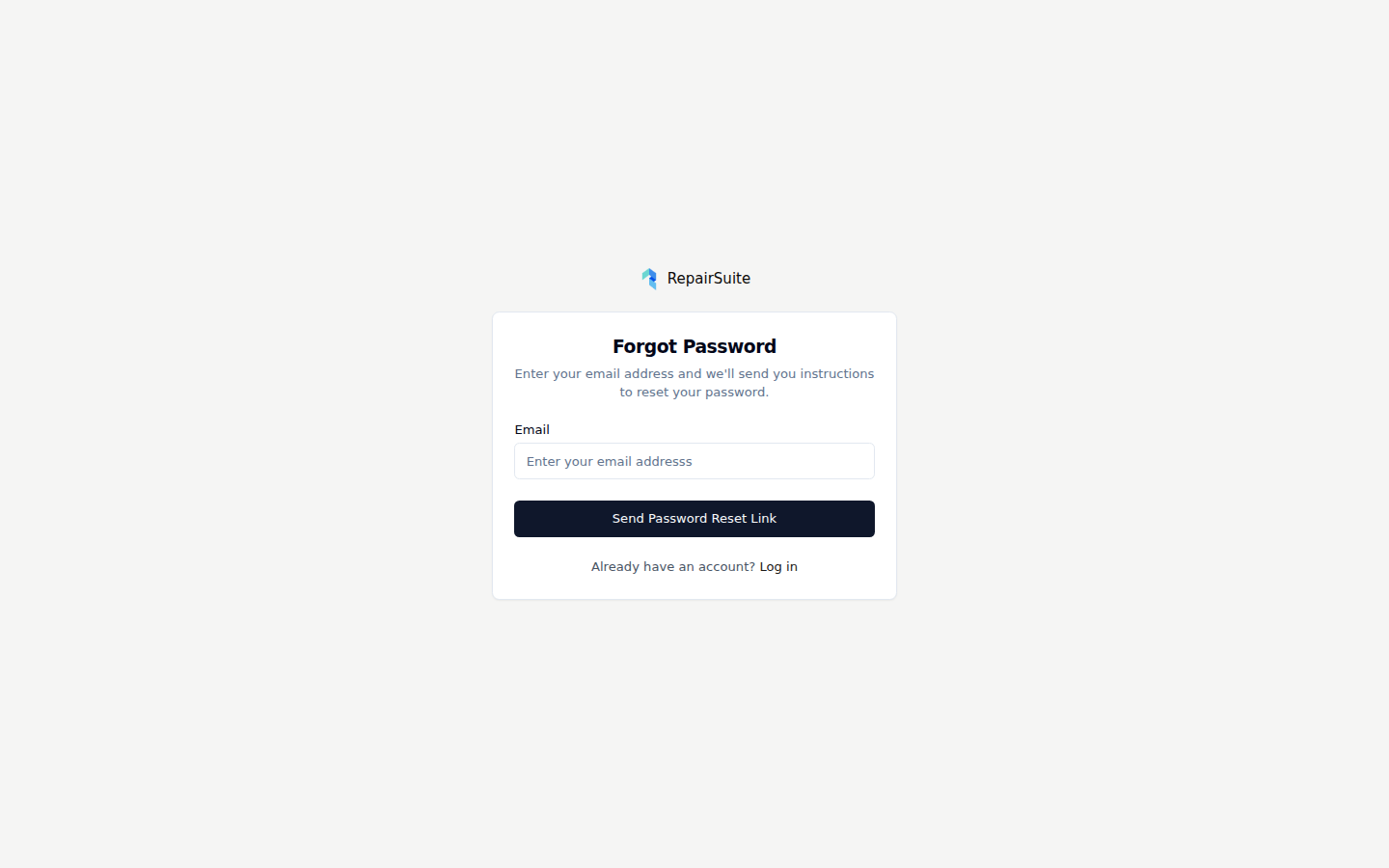
Forgot Your Password?
If you forget your password at any time:
- Go to the login page
- Click Forgot your password?
- Enter your email address
- Check your email for a reset link
- Click the link and set a new password