Subscription & Billing
RepairSuite is a subscription-based service. To access all features, you need an active subscription or a free trial.
Plans
RepairSuite offers several subscription tiers. Each plan includes a set of features and limits (e.g. number of branches, staff members, ticket volume).
Navigate to Billing → Plan or /pricing to see available plans.
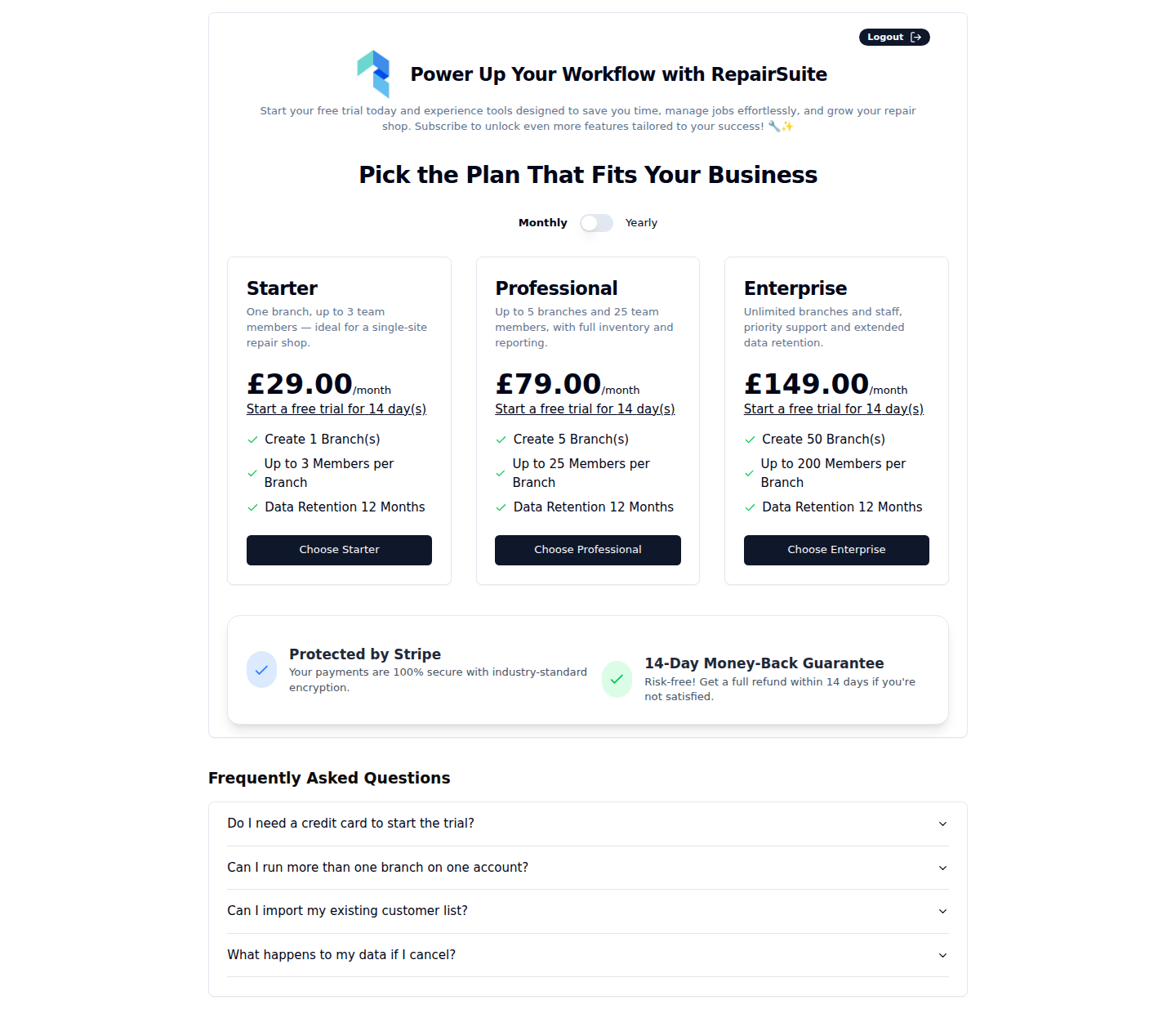
:::tip Plans are managed by the platform administrator — available plans and their features may vary. :::
Free Trial
Every plan includes a free trial. How long it runs is set per plan and shown on the plan card.
Starting a Trial
- Navigate to the Pricing page
- Click Start Free Trial on your chosen plan
- No credit card required for trial activation
- You'll have full access to all plan features during the trial period
:::warning Your trial will not auto-renew into a paid subscription. You'll need to subscribe before the trial ends to continue using the platform without interruption. :::
Subscribing to a Plan
- Go to Billing → Plan or
/pricing - Click Subscribe on your chosen plan
- You'll be taken to the checkout page
Checkout Process
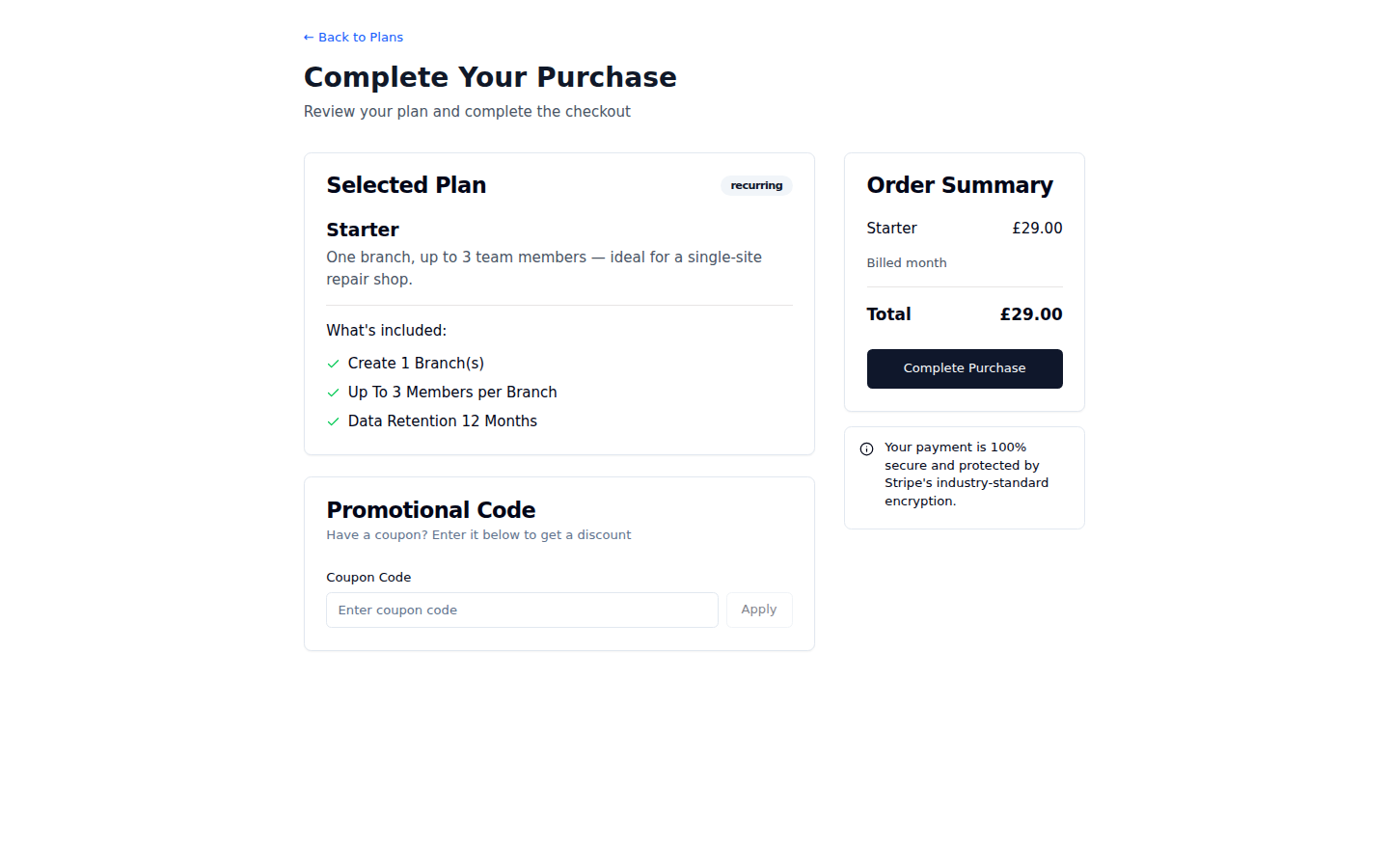
On the checkout page:
- Review your selected plan and pricing
- (Optional) Enter a coupon code for a discount — click Apply
- (Optional) Enter a referral code if you were referred by an affiliate
- Enter your card details (processed securely by Stripe)
- Click Subscribe / Complete Purchase
Payment Methods
RepairSuite uses Stripe for all billing. Accepted cards:
- Visa
- Mastercard
- American Express
- Other major credit/debit cards
Coupon Codes
If you have a coupon code:
- Enter it in the Coupon Code field on the checkout page
- Click Apply
- The discount will be reflected in the order summary
Managing Your Subscription
Navigate to Billing → Plan to view and manage your current subscription.
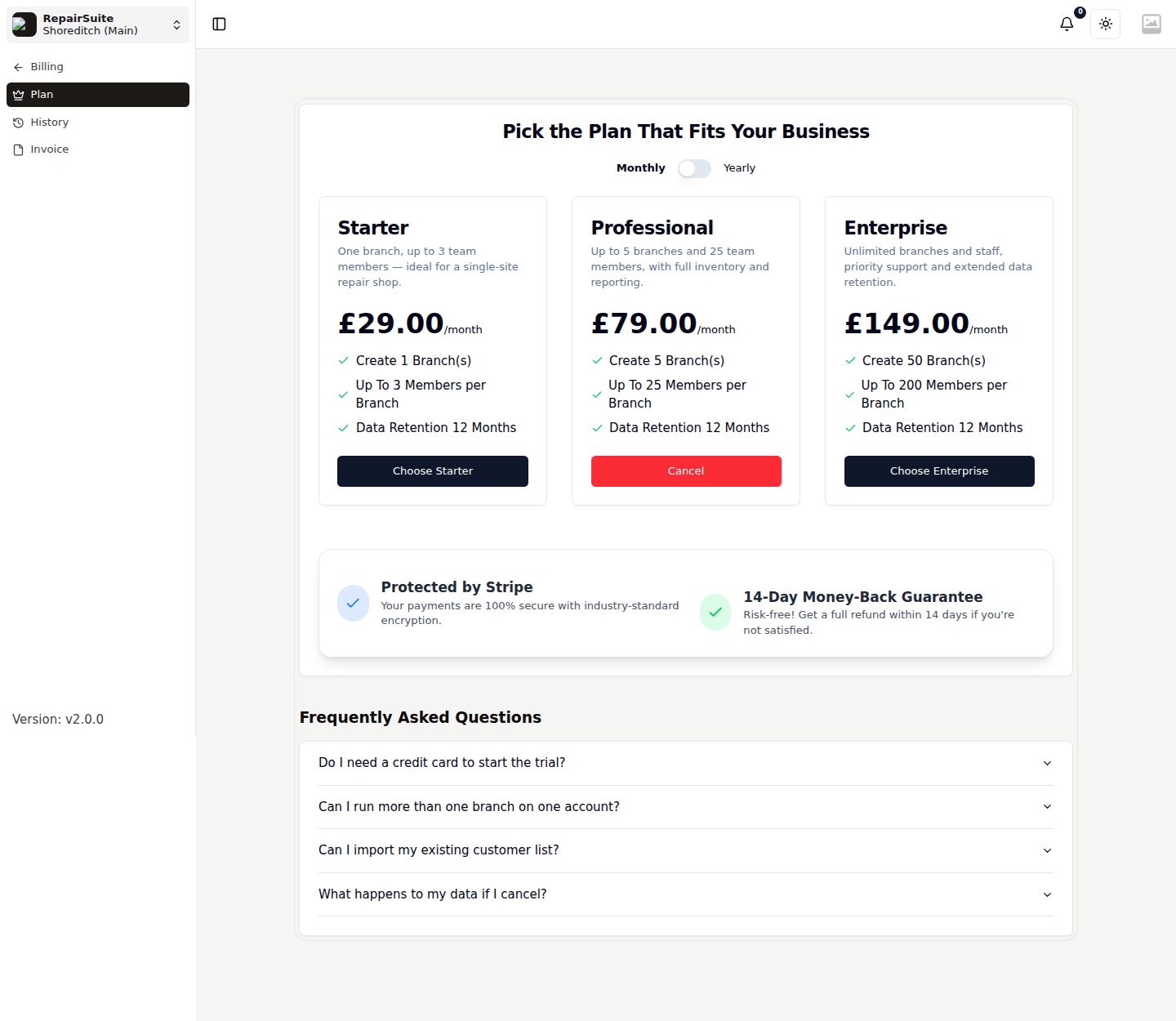
Subscription Details Shown
- Current plan name and features
- Billing interval (monthly/annual)
- Next renewal date
- Subscription status (Active, Trial, Cancelled, Expired)
Cancelling Your Subscription
- Go to Billing → Plan
- Click Cancel Subscription on your current plan
- Confirm the cancellation
:::warning Cancelling your subscription will not immediately revoke access. You'll continue to have access until the end of the current billing period. After that, your account will be restricted until you resubscribe. :::
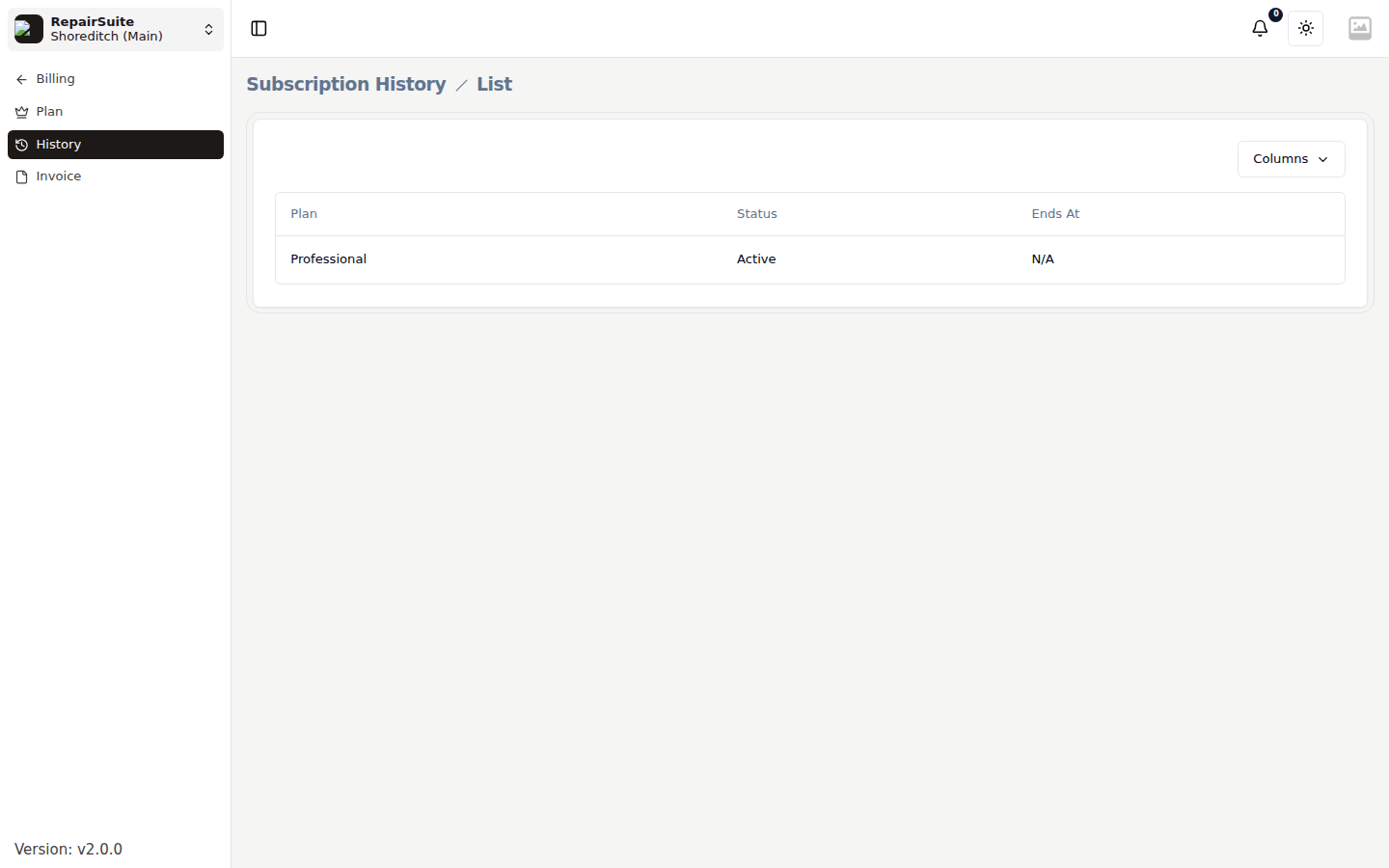
Subscription History
Billing → History records every subscription the account has held, with its plan, dates and status.
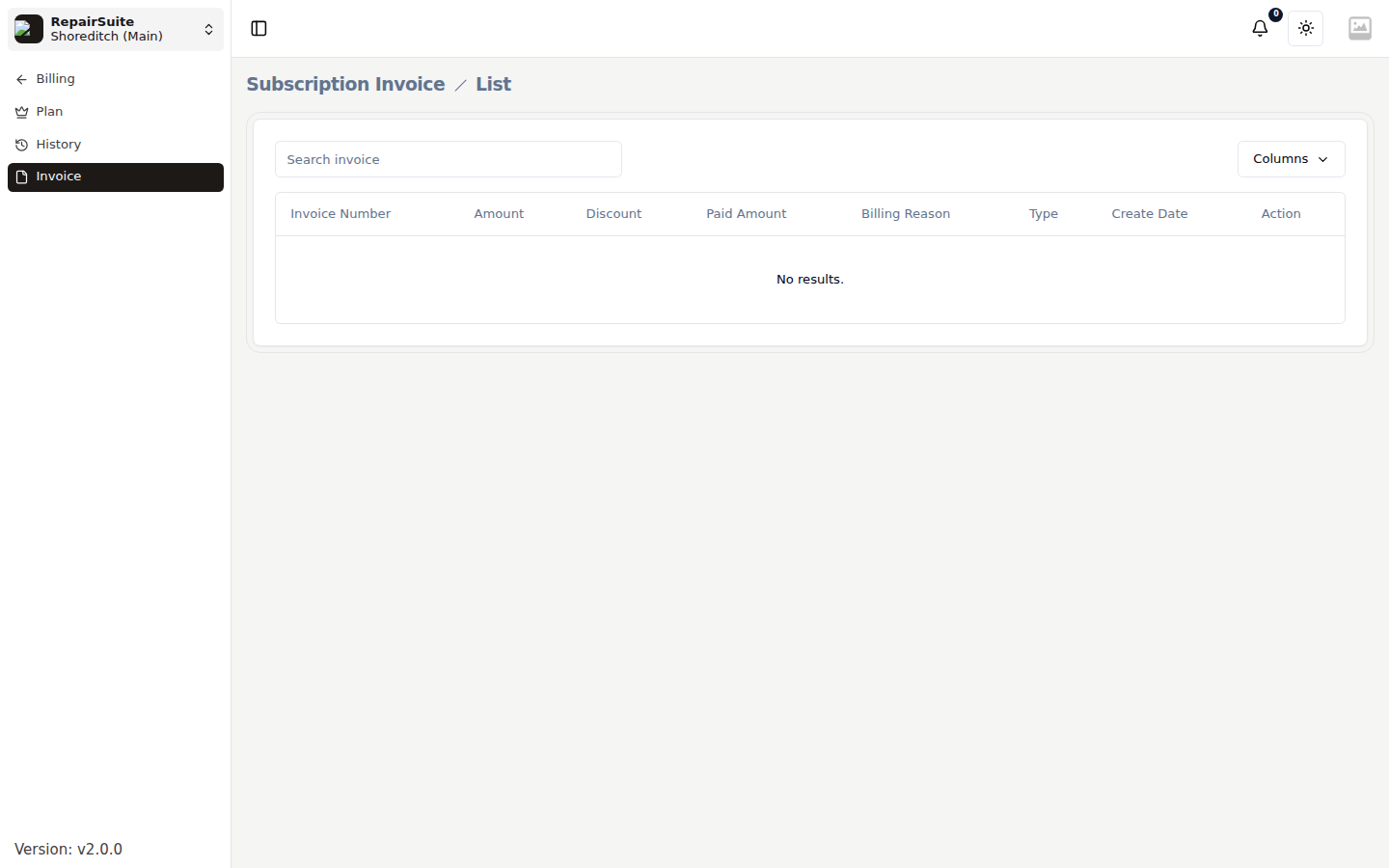
Subscription Invoices
Billing → Invoice lists what RepairSuite has charged you, each downloadable as a PDF.