Becoming an Affiliate
There are two routes into the RepairSuite affiliate programme:
- Apply yourself through the public form
- Be invited by the platform administrator
Applying
Go to /become-affiliate.
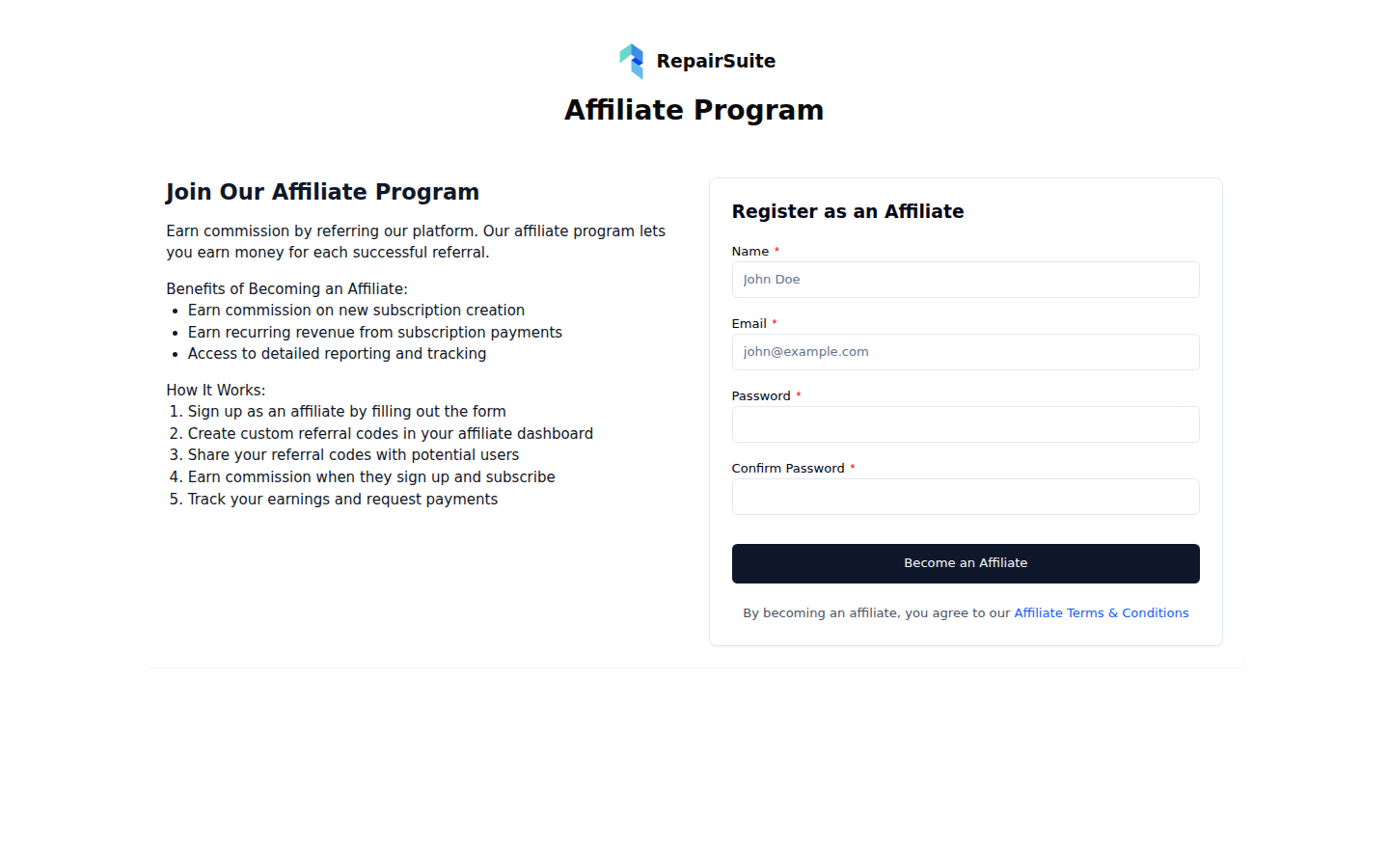
| Field | Description |
|---|---|
| Full name | Your name |
| Used to log in to the affiliate portal | |
| Phone | Contact number |
| Website / channel | Where you plan to promote RepairSuite |
| Payment details | How you would like payouts sent |
Submit the form. The platform administrator reviews applications and approves them; you get login details once you are approved.
:::note The form is only available while you are logged out. Log out first if you already have a RepairSuite session. :::
Logging in
Affiliates log in at the normal login page. RepairSuite recognises the account type and sends you to the affiliate portal at /affiliate/dashboard.
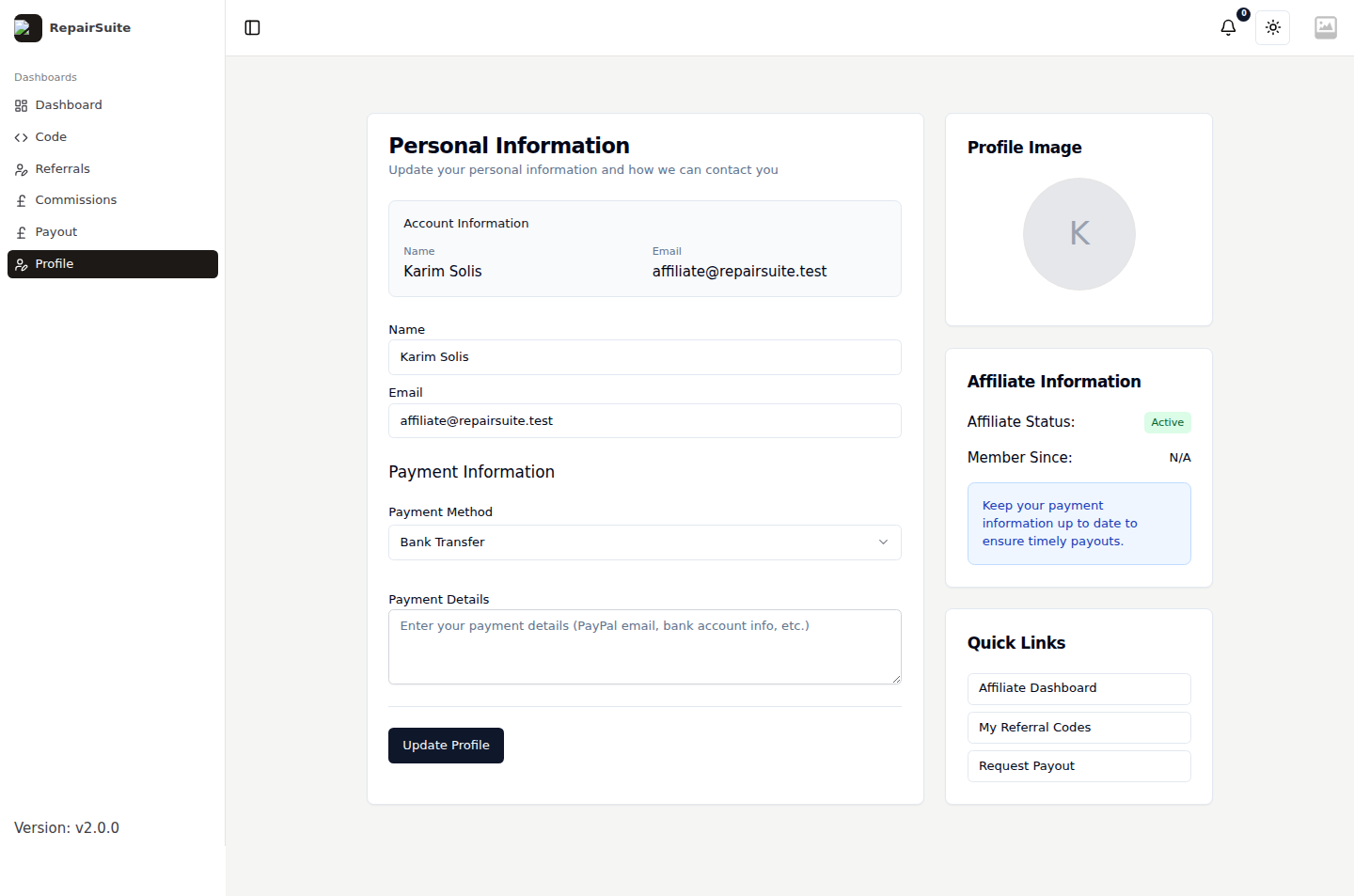
Your affiliate profile
Profile in the affiliate sidebar holds your contact details and the payment information payouts are sent to. Keep it current — a payout request uses whatever is stored here.
First steps once approved
- Log in to the affiliate portal
- Create your first referral code
- Share the link or the code
- Watch commission arrive under Commissions
- Request a payout once you are over the minimum