Commissions
Commissions lists every commission record on your affiliate account — pending, approved and paid.
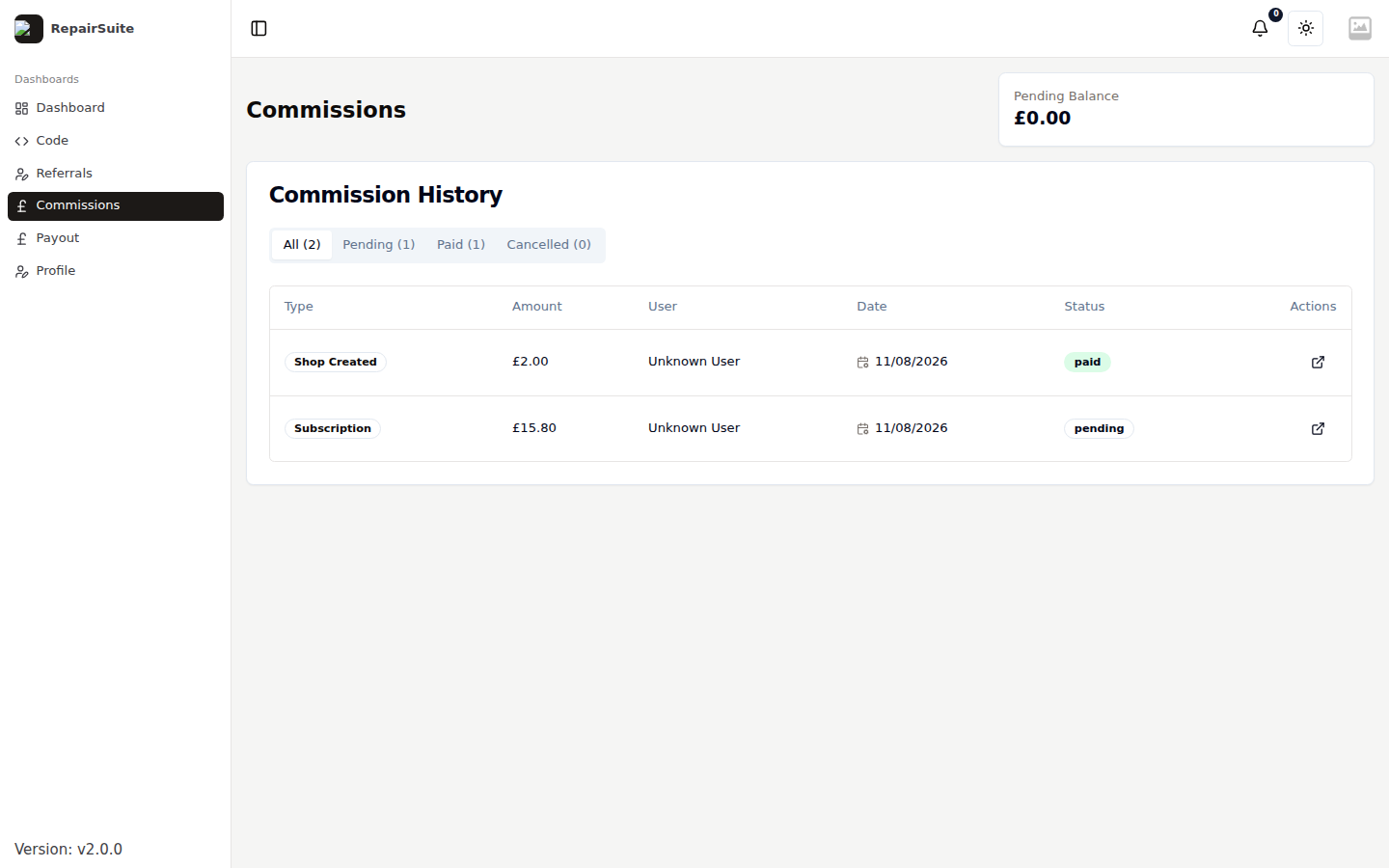
Select Commissions in the affiliate sidebar.
What each record shows
| Field | Description |
|---|---|
| Type | Shop creation (a one-off bonus) or Subscription (recurring) |
| Shop | The referred shop the commission came from |
| Commission rate | The rate applied — your default, or the code's custom rate |
| Amount | What you earned |
| Status | Pending, Approved, Rejected or Paid |
| Date | When it was earned |
Open a commission for the full detail, including the referral it came from and any notes from the platform.
Statuses
| Status | Meaning |
|---|---|
| Pending | Earned, waiting on confirmation from the platform |
| Approved | Confirmed and added to your available balance |
| Rejected | Not approved — for example the subscription was refunded |
| Paid | Included in a payout that has been processed |
Your balance
Approved commission that has not yet been paid out is your available balance. It is shown on the Affiliate Dashboard and on the Payout page, and it is what you can withdraw.