Sellers
Sellers are the people who bring in used devices to sell to you. They are kept separate from customers: a seller brings a device for you to buy, a customer brings one for you to repair.
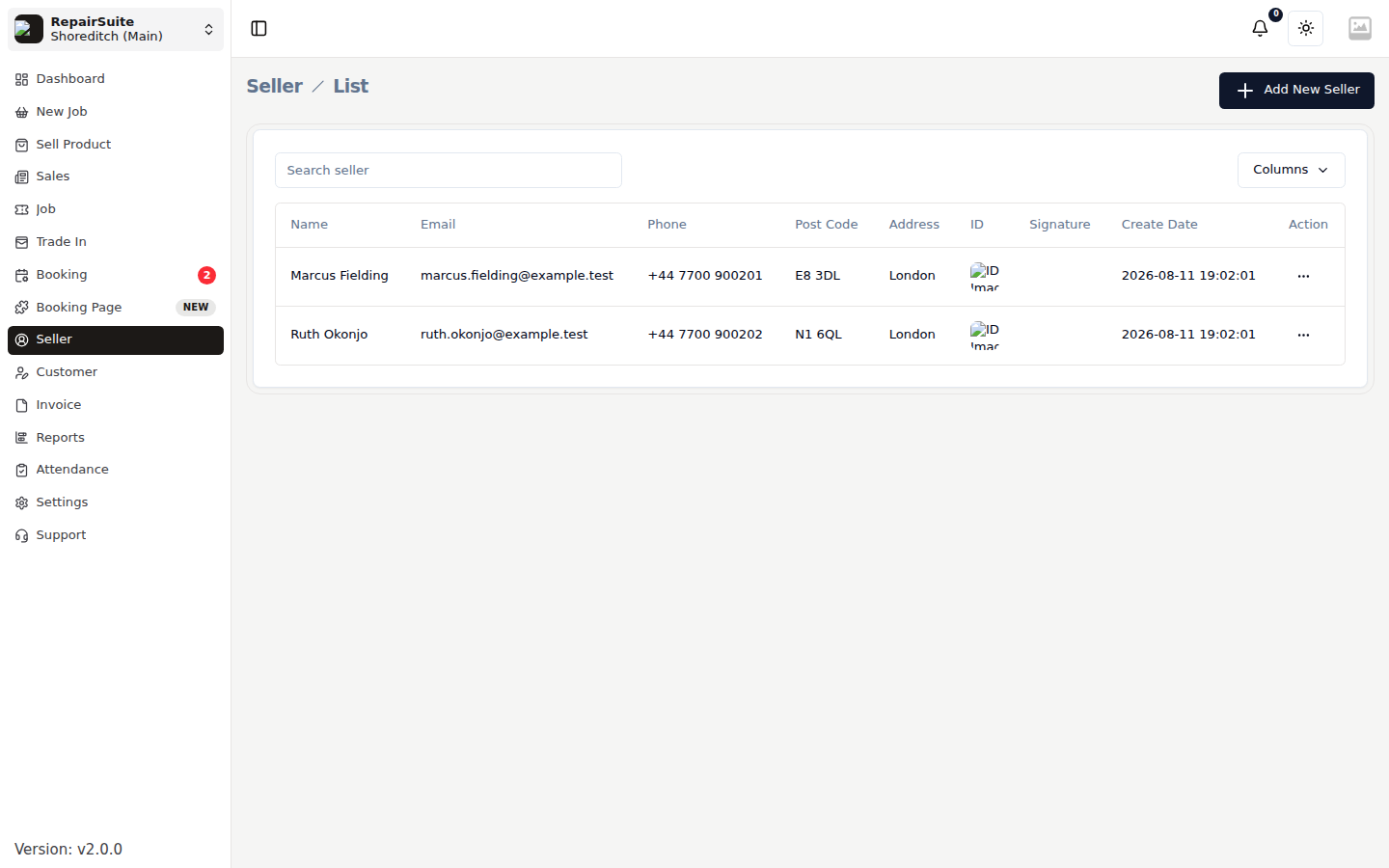
Viewing Sellers
Navigate to Sellers in the sidebar to see all recorded sellers.
Adding a New Seller
Click Add New Seller.
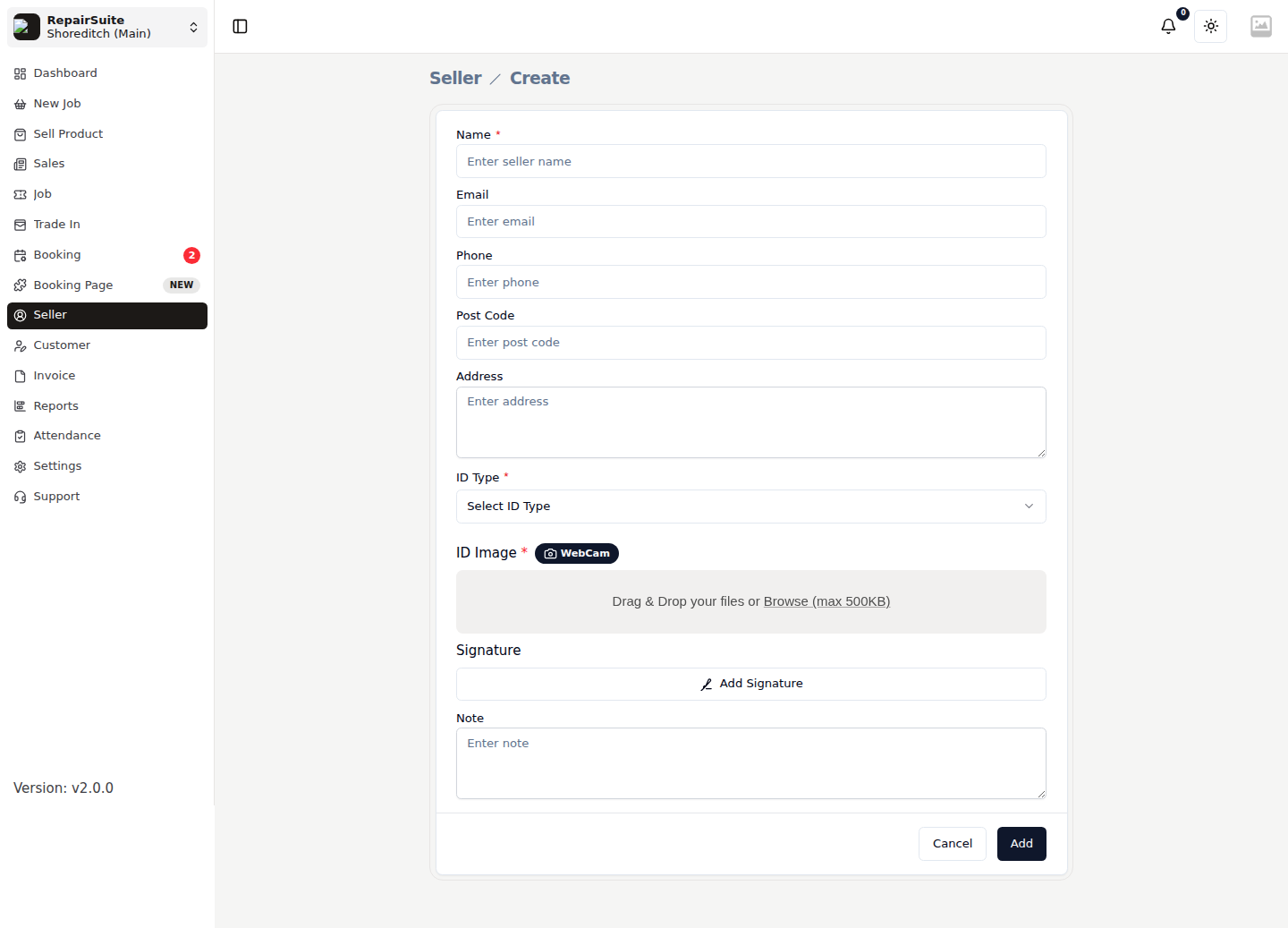
Seller Fields
| Field | Description |
|---|---|
| Full Name | Seller's full legal name |
| Phone | Contact number |
| Email address (optional) | |
| Post code | Used to confirm the address against the ID |
| ID Type | Passport or Driving Licence |
| ID Number | The document number |
| ID Document | Upload a photo of the document — stored privately, not on the public disk |
| Address | Seller's address |
| Note | Anything staff should know about this seller |
:::tip Capturing seller ID information is important for compliance and security when buying used devices. Always verify the ID against the document presented. :::
Click Save.
Editing a Seller
- Open the seller from the list
- Click Edit
- Update their information
- Save
Seller history
A seller's profile lists every device you have bought from them, so a regular seller's history is one click away.
Sellers vs Customers
| Seller | Customer | |
|---|---|---|
| Who are they? | Person selling a device to you | Person giving you a device to repair |
| What's created? | A Trade In record | A repair job |
| Invoice type | Buy invoice | Job invoice |
| Portal access | No | Yes (Customer Portal) |