Job Policy
Job Policy holds the repair terms that appear on your job invoices: warranty cover, liability limits, collection deadlines and anything else customers should know before they leave a device with you.
:::note This screen was called Terms & Conditions in earlier releases. The trade-in equivalent is Sales Policy. :::
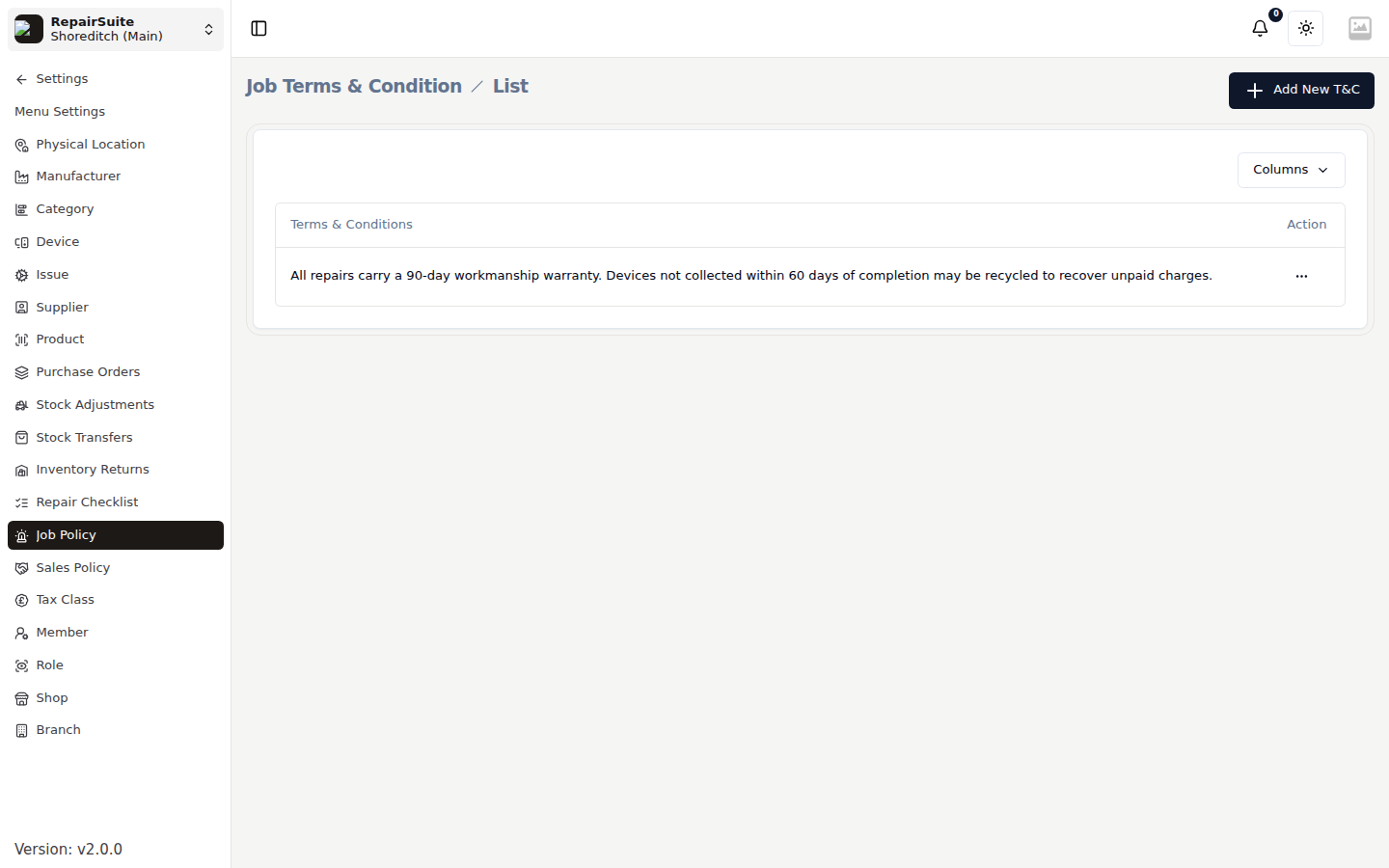
Setting your policy
- Open Settings → Job Policy
- Click New (or edit the existing entry)
- Write the terms in the rich-text editor — headings, lists and emphasis are all supported
- Save
Where it appears
The saved policy is printed at the foot of job invoices, so every customer gets a copy of the terms with their paperwork.
:::tip Terms worth including:
- "We accept no responsibility for data loss during a repair — please back up your device."
- "Devices not collected within 90 days may be disposed of to recover unpaid charges."
- "The warranty covers the repair carried out, not unrelated faults that appear later."
- "Quoted prices are estimates and may change once the fault is diagnosed." :::
Related
- Sales Policy — the terms sellers acknowledge on a trade-in
- Shop Settings — the shop-wide terms and branding on invoices