Sales Policy
Sales Policy holds the terms used on the trade-in side of the business — what a seller agrees to when you buy their device, and what a buyer gets when you sell one on.
:::note This screen was called Resell Terms & Conditions in earlier releases. The repair equivalent is Job Policy. :::
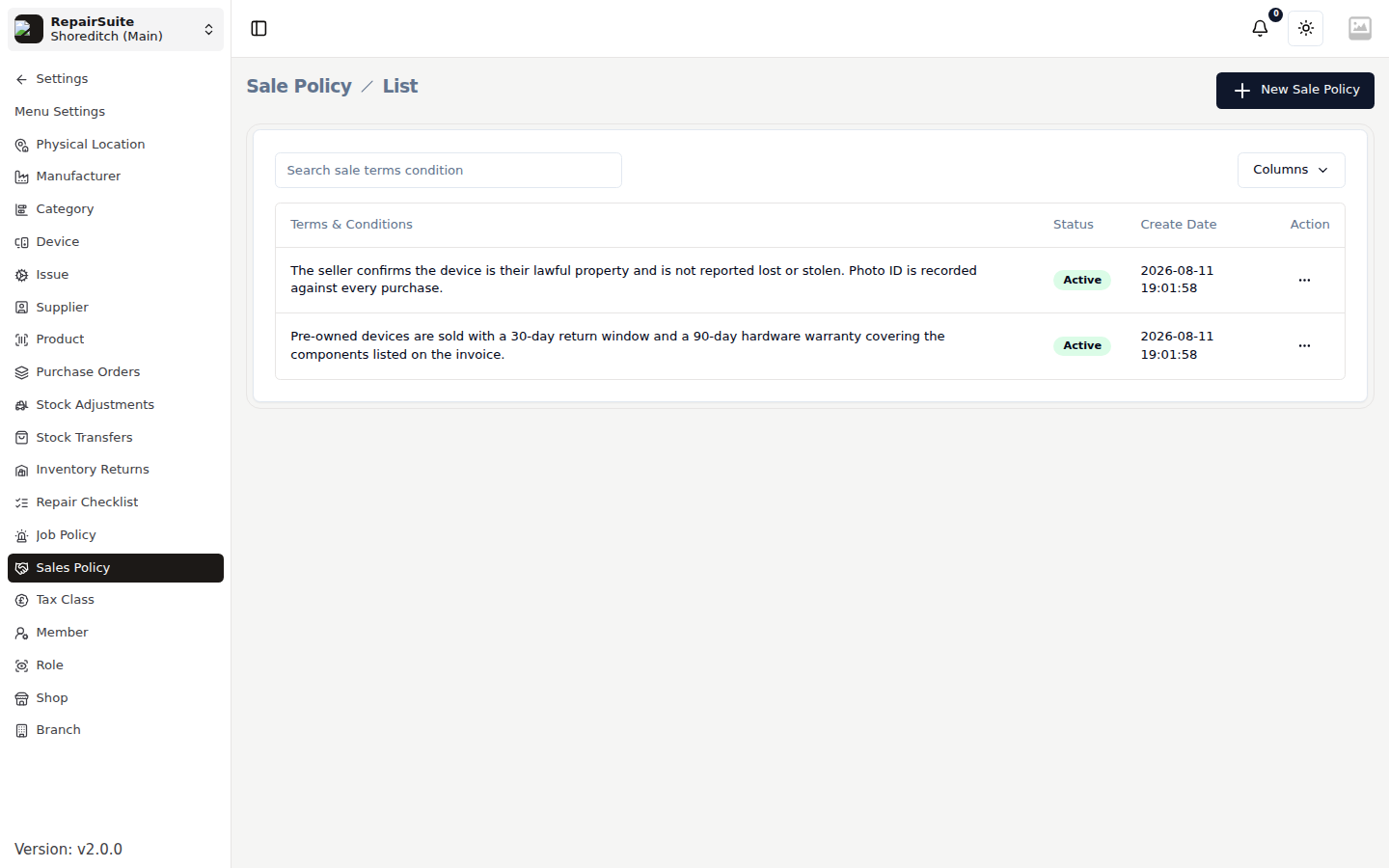
The two policy types
| Type | Used when |
|---|---|
| Purchase | You buy a device from the public — shown at acknowledgement, before payment |
| Sale | You sell a trade-in device on — printed on the sale invoice |
Each has its own text and its own active/inactive status, so you can draft a replacement without taking the current one out of use.
Setting a policy
- Open Settings → Sales Policy
- Click New, or edit the existing entry
- Choose the type — Purchase or Sale
- Write the terms in the rich-text editor
- Set the status to Active
- Save
Where it appears
Purchase terms are shown on screen during the Trade In acknowledgement step. The seller reads them, signs on the signature pad, and the signature is stored against the trade-in record along with their ID details.
Sale terms are printed on the invoice when you sell a trade-in device on.
:::tip Purchase terms worth including:
- "I confirm I am the legal owner of this device and it is not reported lost or stolen."
- "I have removed all accounts and performed a factory reset."
- "I accept the offered price and the terms of this transaction."
- "I have provided valid photo ID for this transaction." :::