Tax Classes
Tax Classes define the tax rates applied to products and services on invoices and sales. For example, UK VAT at 20%, or a reduced rate for specific goods.
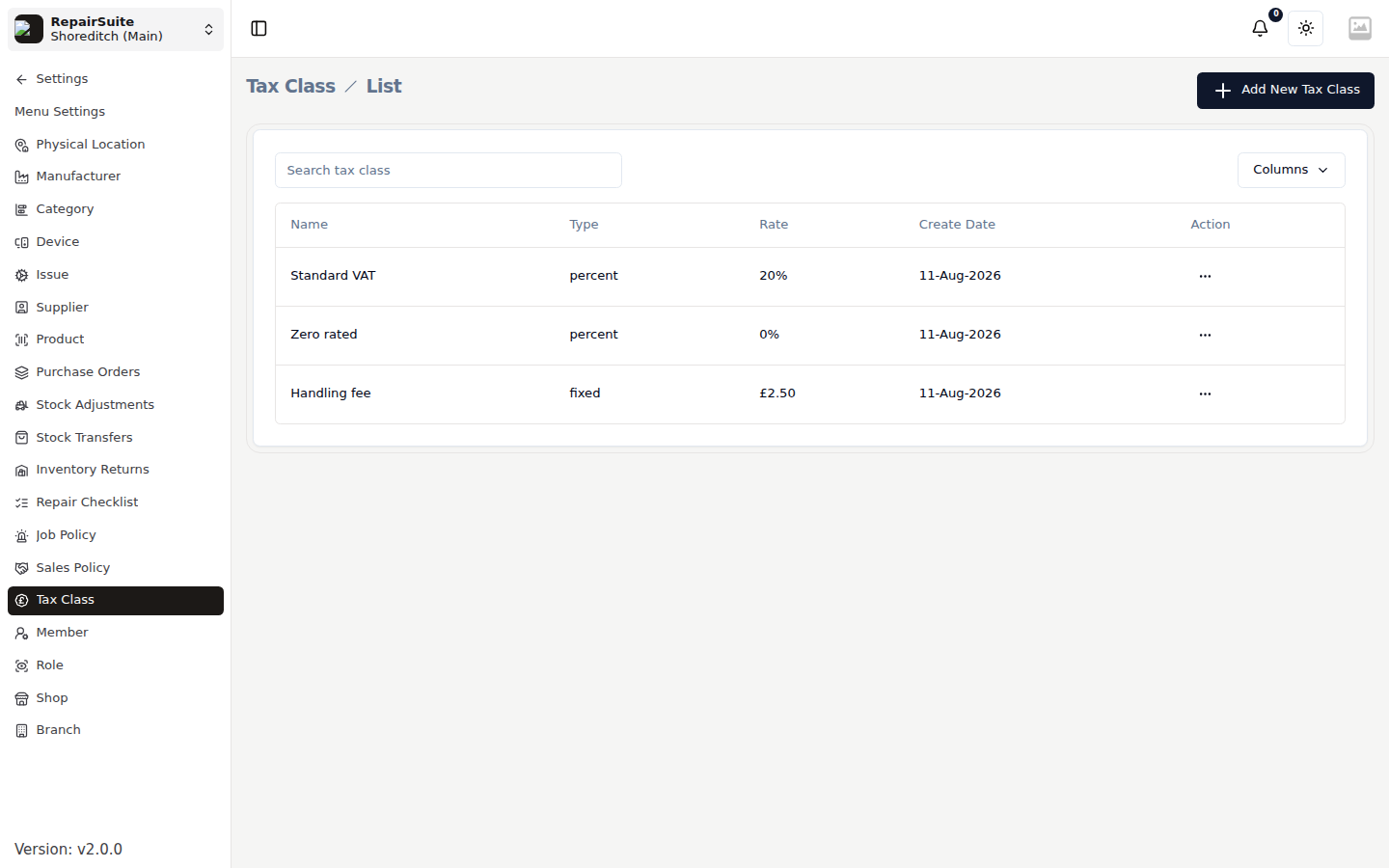
Adding a Tax Class
- Navigate to Settings → Tax Classes
- Click New Tax Class
- Fill in:
- Name — e.g. "Standard VAT", "Reduced Rate", "Zero Rate"
- Rate — percentage (e.g. 20 for 20%)
- Type — Percentage or Fixed amount
- Click Save
Applying Tax to Products
Once you've created a tax class, assign it to products in the Product settings (see Products).
The class is then selectable per line and on the order total in the Sell Product POS, and on job items. Percentage classes are calculated on the line total after any discount; fixed classes add their flat rate.
Tax Types
| Type | Description |
|---|---|
| Percentage | Tax calculated as a % of the product price (most common) |
| Fixed | A fixed amount added per unit regardless of price |