Issues
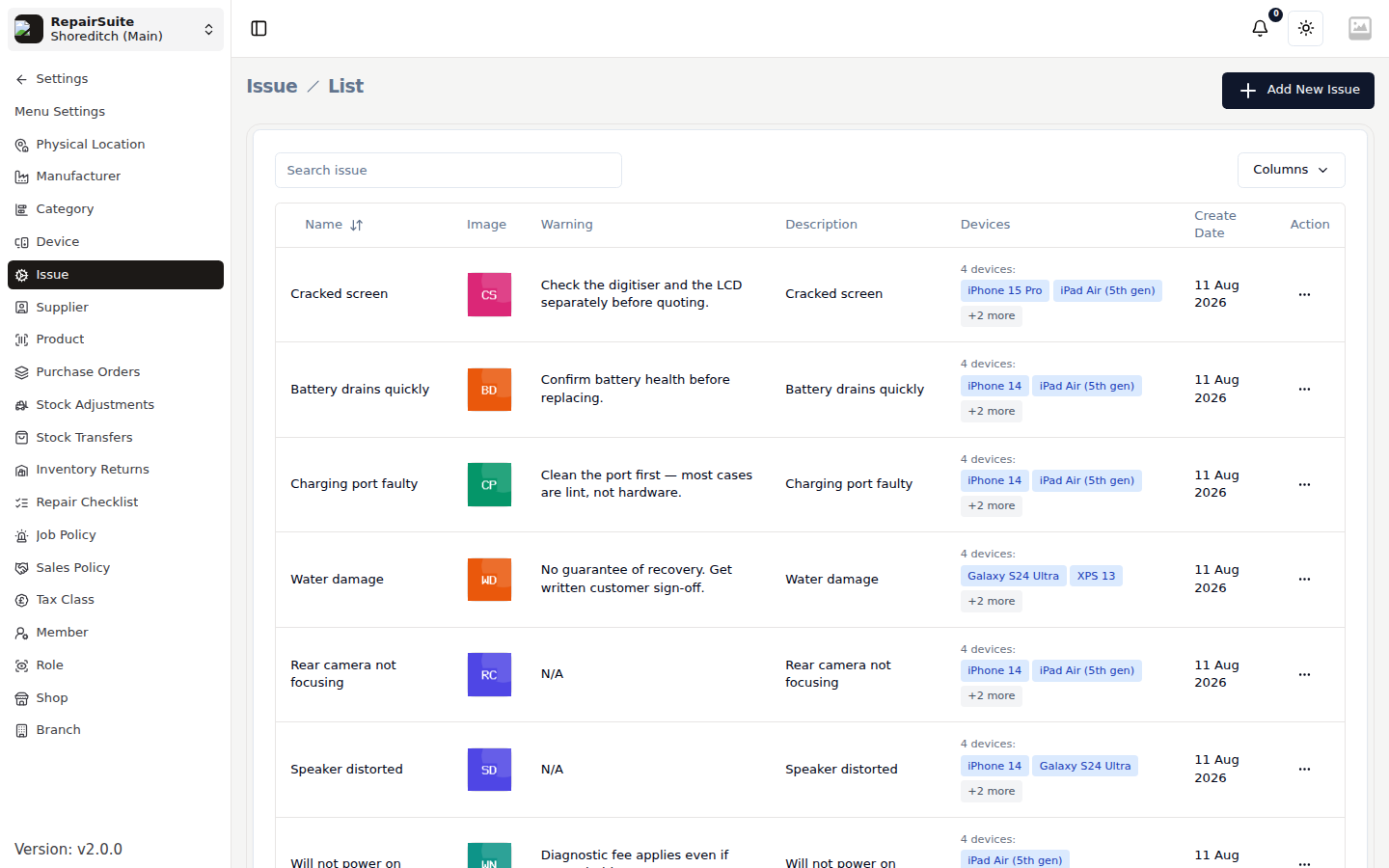
Issues describe what's wrong with a device — they are linked to specific devices. Examples: Screen Broken (iPhone 15 Pro), Battery Not Charging (MacBook Pro).
Prerequisites
- At least one Device must exist
Adding an Issue
- Navigate to Settings → Issues
- Click New Issue
- Enter:
- Issue Name — e.g. "Screen Broken", "Battery Not Charging", "Charging Port Damaged"
- Device — which device this issue applies to
- Estimated Fix Time (optional)
- Click Save
Issues & Products
Issues are linked to Products (spare parts). On the Parts step of the New Job wizard, picking an issue brings up the parts normally needed to fix it.
See Products & Parts for setting up product-issue links.