Devices
Devices are specific models of a manufacturer, linked to a category. Examples: iPhone 15 Pro (Apple, Smartphone), MacBook Pro 14" (Apple, Laptop).
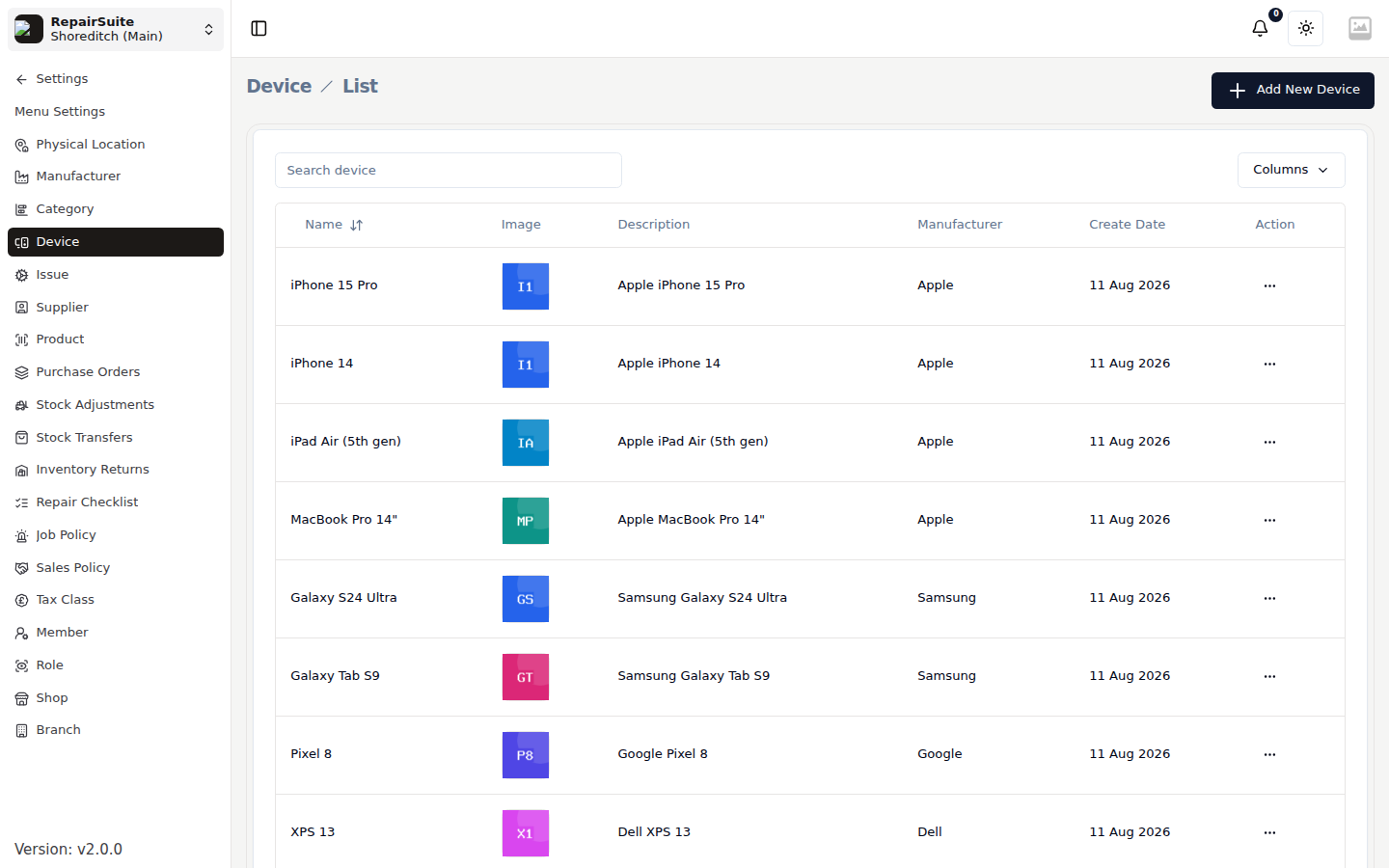
Prerequisites
- At least one Category and Manufacturer must exist
Adding a Device
- Navigate to Settings → Devices
- Click New Device
- Enter:
- Device Name — e.g. "iPhone 15 Pro"
- Category — select from existing categories
- Manufacturer — select from manufacturers in that category
- Click Save
:::tip Selecting the category first will filter manufacturers to only show those in that category. :::
Quick add from the job wizard
The Device step of the New Job wizard has an Add Device tile, so a model you have never seen before can be added without leaving the job you are booking in.