Categories
Categories are the top-level classification for devices. Examples: Smartphone, Laptop, Tablet, Desktop Computer, Gaming Console.
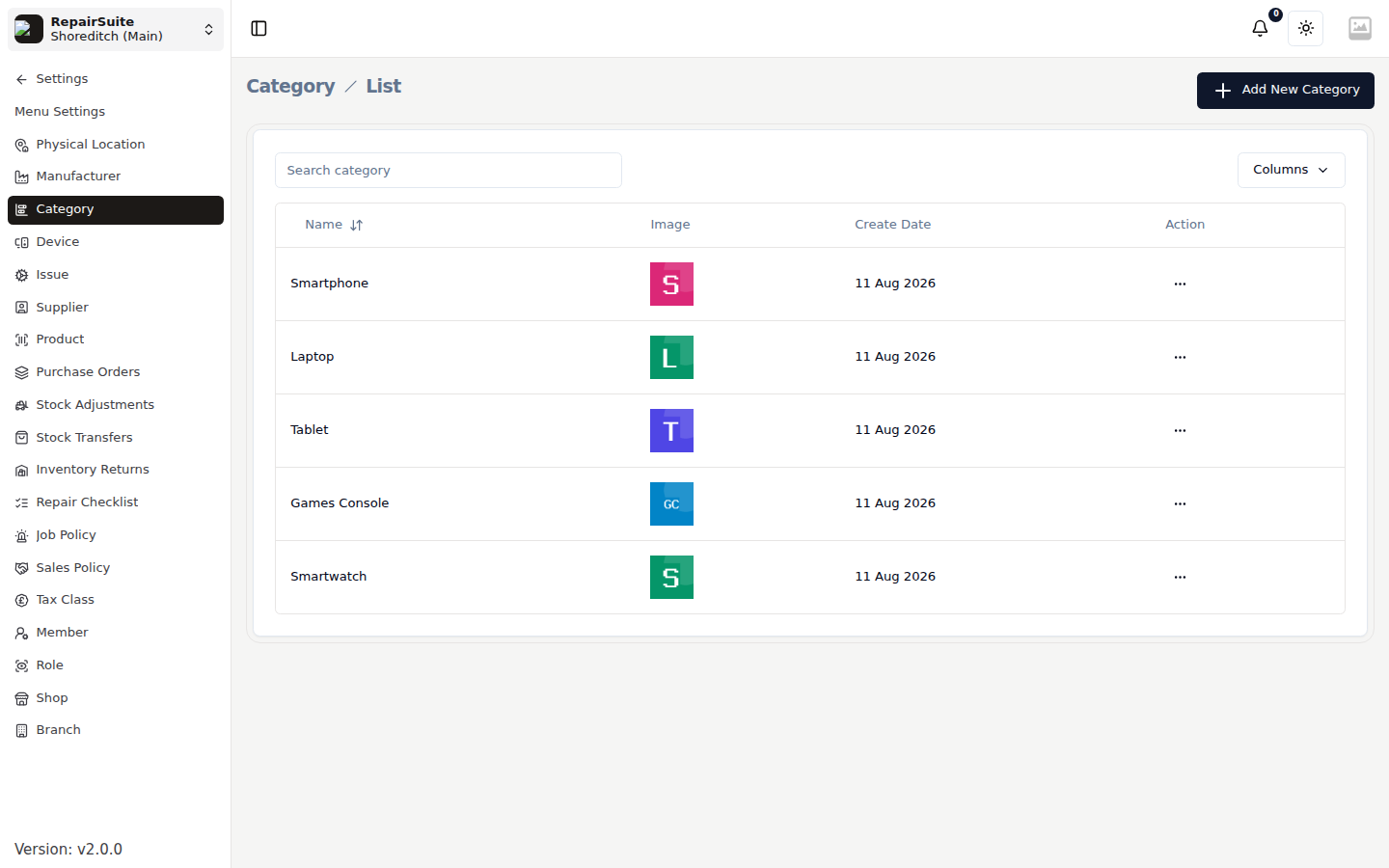
Accessing Categories
Navigate to Settings → Categories.
Adding a Category
- Click New Category
- Enter:
- Name — e.g. "Smartphone", "Laptop", "Tablet"
- Description (optional)
- Click Save
Editing a Category
- Click the Edit button next to the category
- Update the name or description
- Save
Deleting a Category
- Click the Delete button next to the category
- Confirm the deletion
:::warning Deleting a category will also affect associated Manufacturers, Devices, and Issues. Only delete categories that have no linked records. :::
Category Hierarchy
Categories are the root of the device taxonomy:
Category → Manufacturer → Device → Issue → Product
Set up categories before adding manufacturers or devices.