Inventory Returns
Inventory Returns allow you to document the return of products back to a supplier — for example, faulty items, wrong items delivered, or excess stock.
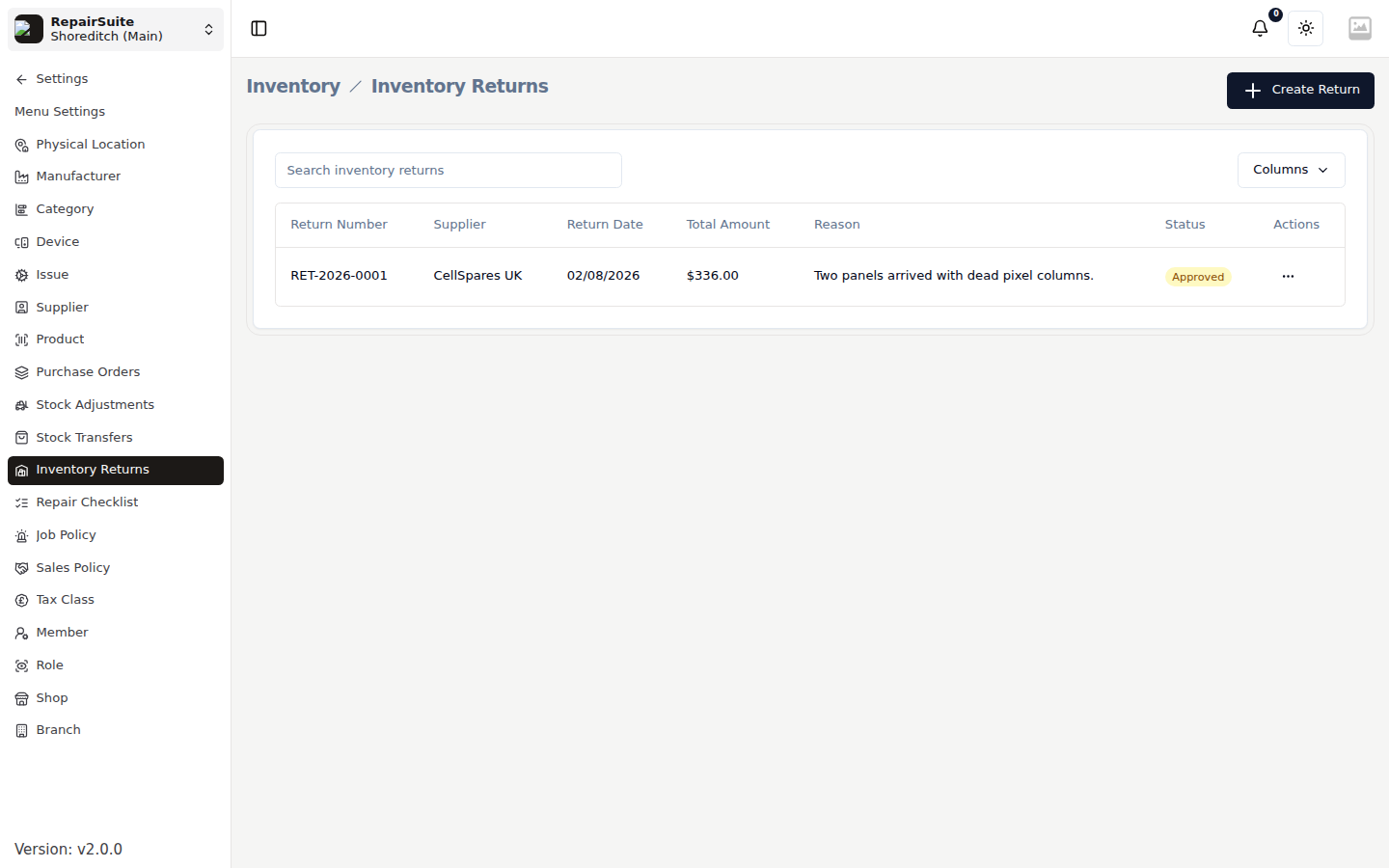
Creating an Inventory Return
- Go to Settings → Inventory Returns
- Click New Return
- Fill in:
- Supplier — who you're returning to
- Reason — why items are being returned
- Add items:
- Select products and quantities to return
- Click Save
Return Status
| Status | Description |
|---|---|
| Pending | Raised, waiting on approval |
| Approved | Agreed and ready to send back |
| Processing | With the supplier |
| Completed | Credit or replacement received |
| Rejected | The supplier would not accept it |
| Cancelled | Withdrawn |
Effect on stock
Processing a return deducts the quantities from branch stock and writes a Return to Supplier stock movement against each product, so the loss shows up in Stock Overview and in the inventory reports rather than looking like shrinkage.
Linking to a purchase order
A return can be linked to the purchase order the goods arrived on. That keeps the paperwork together when you are chasing a credit note.