User Roles
RepairSuite has a multi-role system designed for different types of users. Understanding which role does what helps you set up your team correctly.
Role Overview
| Role | Access Area | Description |
|---|---|---|
| Super Admin | /internal/ | Platform operator — manages all shops, plans, and billing |
| Shopper | /dashboard, /ticket, /sell, /settings/ | Shop owner — the primary user of the platform |
| Branch Member | Same as Shopper | Staff invited by the shop owner with configurable permissions |
| Customer | /customer/ | End customers — track repairs and view invoices |
| Affiliate | /affiliate/ | Partners who earn commissions by referring new users |
Super Admin
The Super Admin is the platform operator — typically the company running RepairSuite as a service.
Super Admins can:
- View and manage all registered shops and shoppers
- Create and manage subscription plans and features
- Create coupon codes for discounts
- Manage all platform-wide settings
- View all subscription invoices
- Manage affiliate program settings
- Process affiliate payout requests
- Handle support tickets from shoppers
- Impersonate any shopper for troubleshooting
- Create additional admin accounts with specific roles
Super Admins access the platform at: /internal/dashboard
Shopper (Shop Owner)
The Shopper is the main user of RepairSuite. They register, set up their shop and branches, and manage day-to-day operations.
Shoppers can:
- Create and manage their shop profile
- Create and manage branches
- Book in and manage repair jobs
- Sell products through the POS
- Manage inventory, purchase orders and transfers
- Manage customers
- Buy and sell trade-in devices
- Track staff attendance, shifts and leave
- Run reports
- Invite team members and assign roles
- View invoices and collect payments
- Manage billing and subscription
- Submit support tickets to the platform
Branch Member (Staff)
Branch Members are team members invited by a Shopper. They share the same dashboard but have granular permission control set by the shop owner through Roles.
A role defines which actions the member can perform, for example:
- View, create, edit or delete jobs
- Take counter sales
- View or manage inventory, purchase orders and transfers
- View invoices and collect payments
- Manage customers
- Clock in and out, or manage the whole attendance module
- See reports
:::tip Branch members are branch-scoped — they can only access data from branches they are assigned to. :::
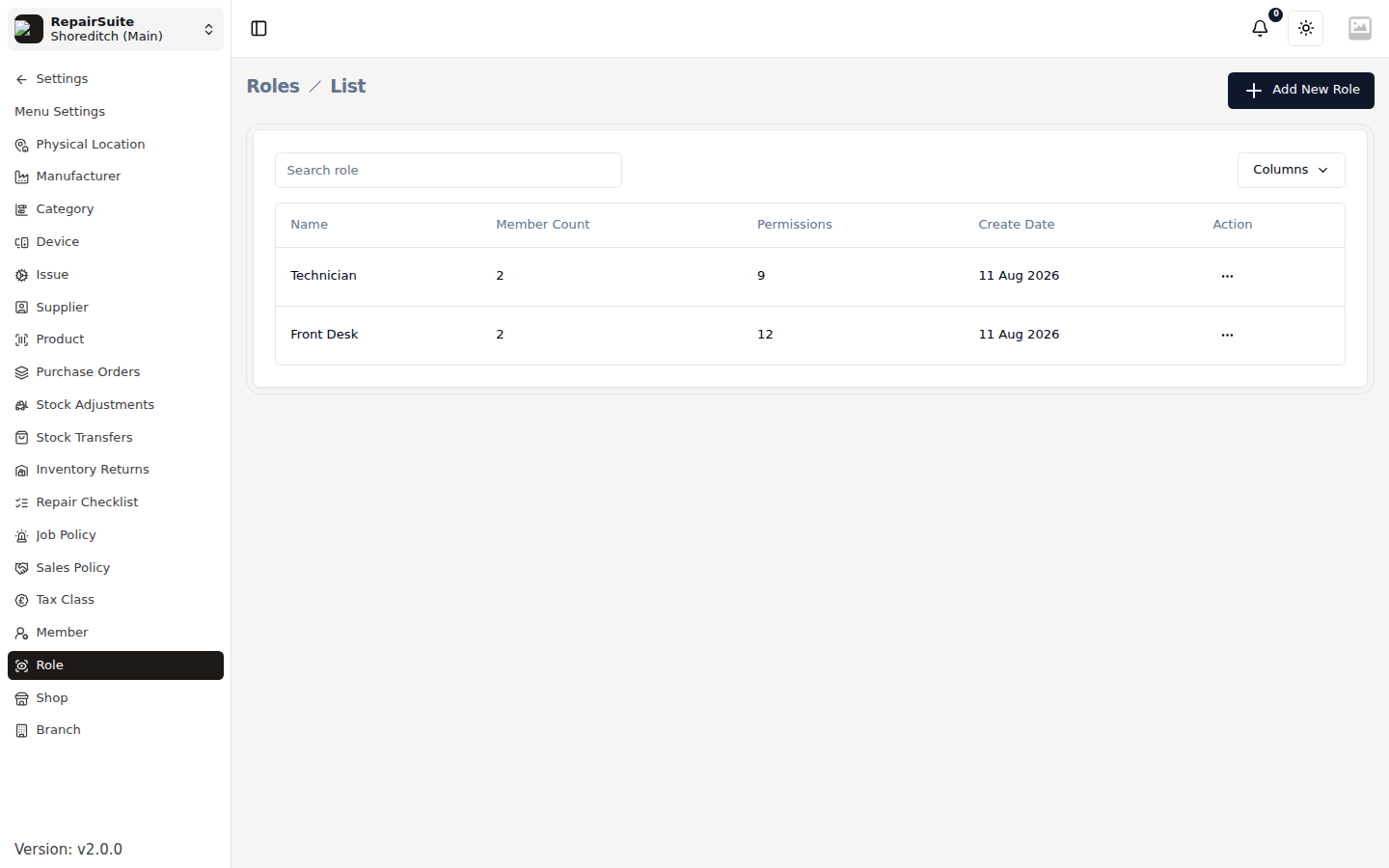
For more on setting up roles and inviting members, see Roles & Members.
Customer
Customers are the end-users of a repair shop — the people bringing in their devices for repair.
Customers can:
- Follow their repair jobs and their status
- View and download their invoices
- Submit booking requests to a shop
- Update their profile
- View notifications
Customers register at /register/customer or can be added directly by the shop owner.
Affiliate
Affiliates are partners who earn commissions by referring new shop owners to RepairSuite.
Affiliates can:
- Create unique referral codes
- View their referral statistics
- Track earned commissions
- Request commission payouts
- Update their payout payment details
Affiliates register at /become-affiliate or can be invited by the platform.
Permission System
RepairSuite uses Spatie Laravel Permission for fine-grained access control:
- The Shopper has full access to their shop's data
- Branch Members only get access to what their assigned role allows
- Policies and query-layer tenant scoping enforce record-level security, so a member cannot reach another branch's or another shop's records even with a direct URL
For a full guide on setting up roles and permissions, see Roles & Members.