Free Trial
Every RepairSuite plan starts with a free trial, so you can run your shop on it before paying anything. No card details are required to start.
Starting a trial
- Go to the pricing page at
/pricing - Pick the plan you want to try
- Click Start Free Trial
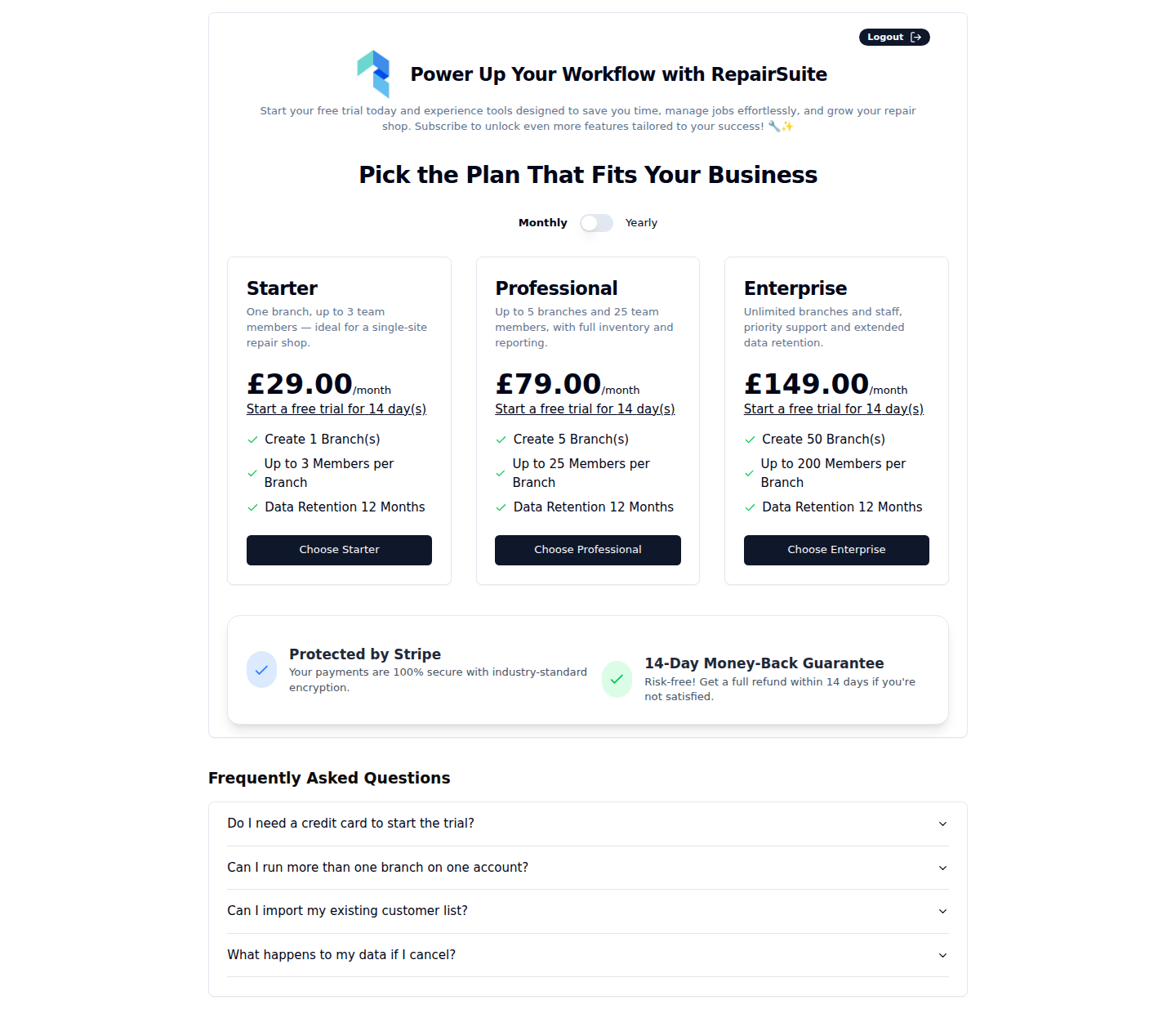
Your trial starts immediately and you land on your dashboard with full access.
What you get
The trial is not a cut-down version — you get everything in the plan you chose, so you can create jobs, load your inventory, invite staff, take payments and run reports exactly as you would on a paid subscription.
How long it lasts
The trial length is set per plan by the platform administrator, and is shown on the plan card before you start. Fourteen days is typical.
Checking how long is left
Go to Billing → Plan. Your current plan, its status and the trial end date are shown there.
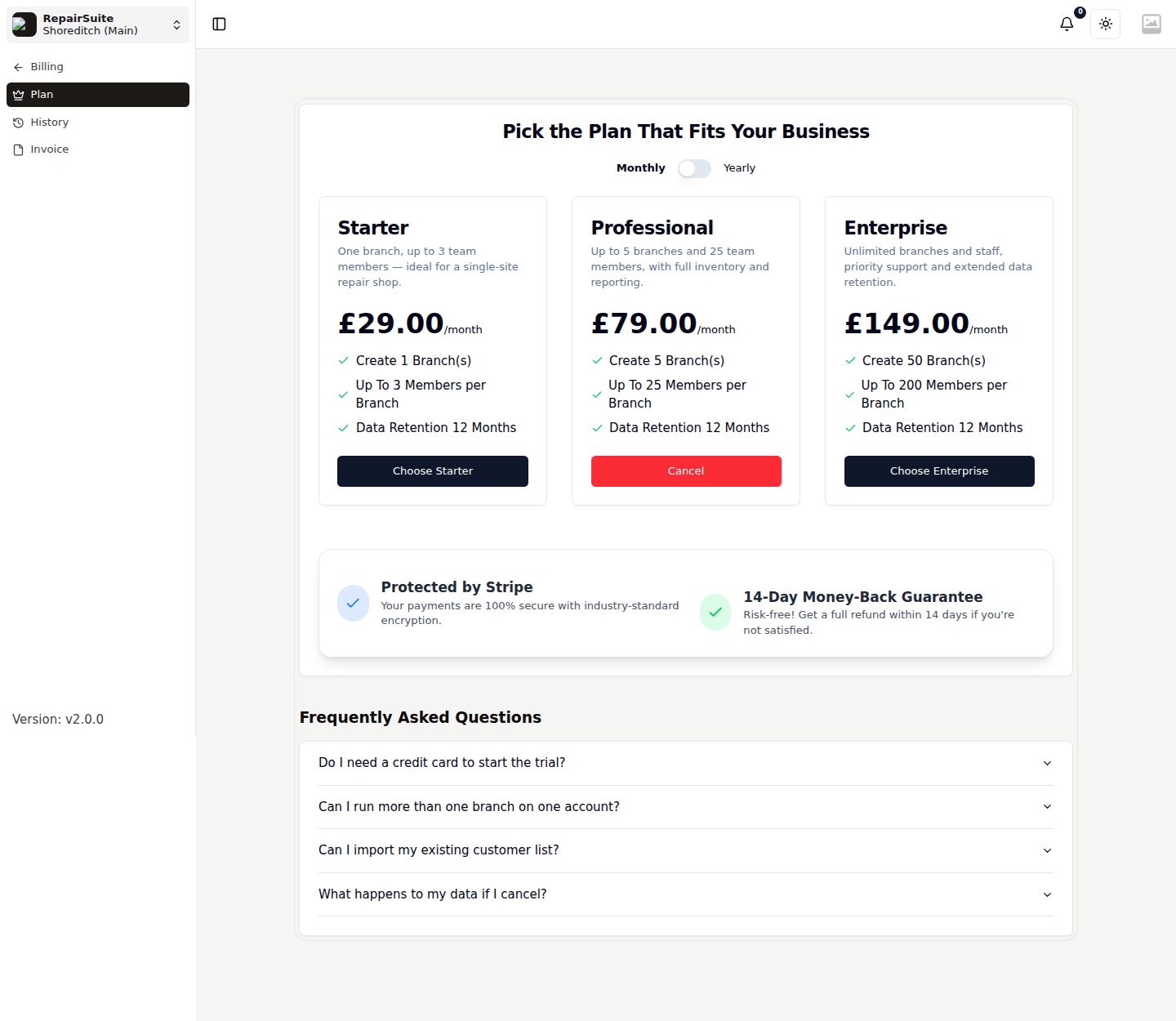
When the trial ends
:::warning A trial does not roll into a paid subscription on its own. Subscribe before it ends to avoid an interruption. :::
When the trial expires:
- RepairSuite sends you to the pricing page instead of the dashboard
- You cannot create new jobs, sales or other records
- Your data is not deleted. Everything is preserved and comes back the moment you subscribe.
Subscribing
Pick a plan and continue to checkout — see Checkout. If you have a coupon or a referral code, enter it there.