Subscription Invoices
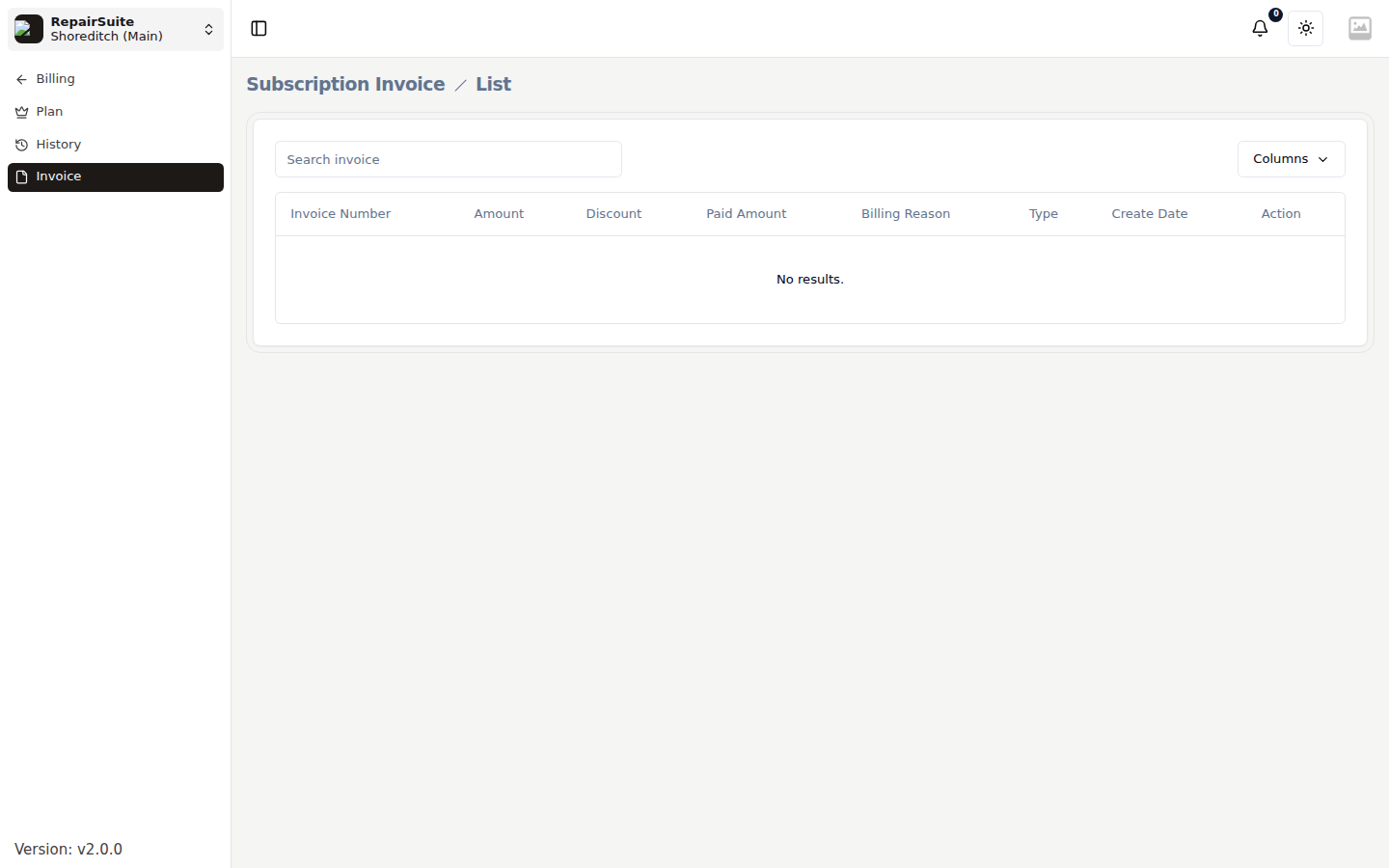
RepairSuite generates a billing invoice for every subscription payment. You can view and download these from the Billing section.
Accessing Subscription Invoices
Go to Billing → Invoice (/billing/subscription-plan/invoice).
:::note These are the invoices RepairSuite raises against you for your subscription. The invoices you raise for your own customers are under Invoices in the main sidebar. :::
What's on a Subscription Invoice
Each invoice includes:
- Invoice number and date
- Subscription plan name
- Billing period
- Amount charged
- Payment status
Downloading an Invoice
- Find the invoice in the list
- Click Download
- A PDF invoice is generated and downloaded
These PDFs are useful for business accounting and expense records.
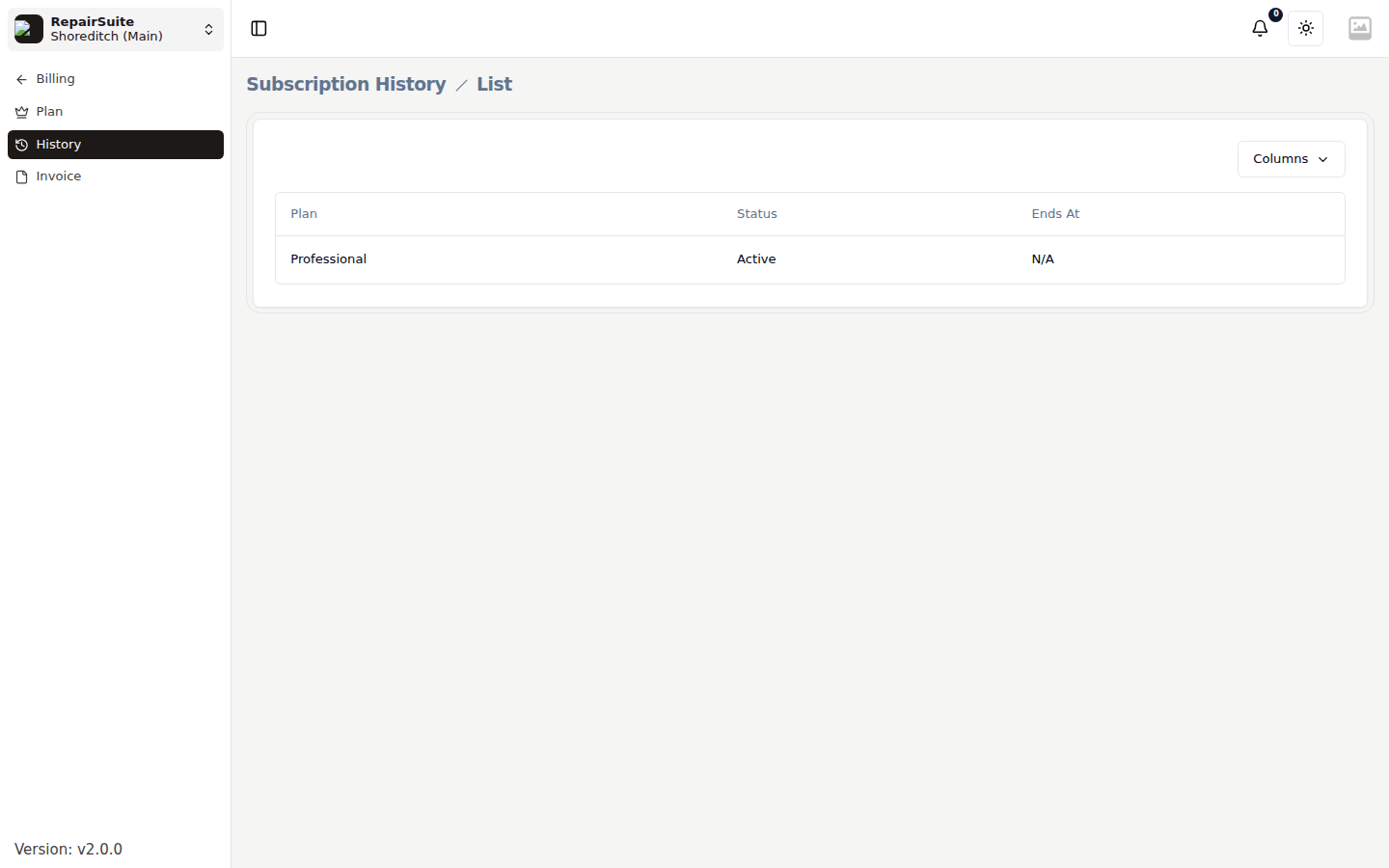
Subscription History
For a full history of your subscription changes (upgrades, cancellations, renewals):
Go to Billing → History (/billing/subscription-history).