Suppliers
Suppliers are the vendors and distributors you purchase spare parts and products from. They're used when creating Purchase Orders.
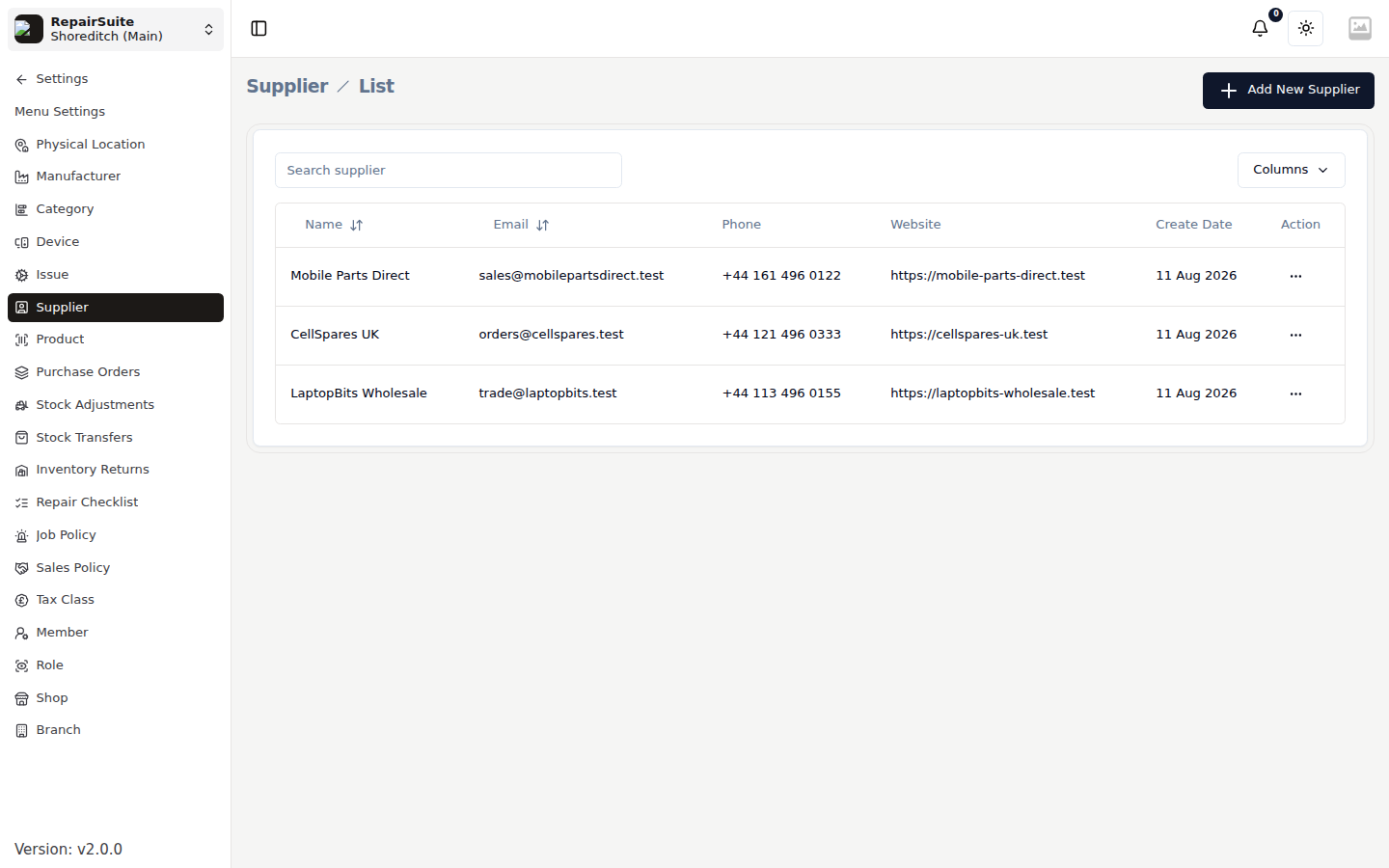
Adding a Supplier
- Navigate to Settings → Suppliers
- Click New Supplier
- Fill in:
| Field | Description |
|---|---|
| Supplier Name | Business name of the supplier |
| Contact Person | Name of your account manager |
| Phone | Contact phone |
| Contact email | |
| Address | Supplier's address |
| Website | (Optional) |
| Notes | Any special instructions or terms |
- Click Save
Editing / Deleting Suppliers
Use the Edit/Delete action buttons on the supplier list.
:::warning Avoid deleting suppliers that have existing purchase orders linked to them. Deactivate them instead if they're no longer in use. :::