Repair Checklists
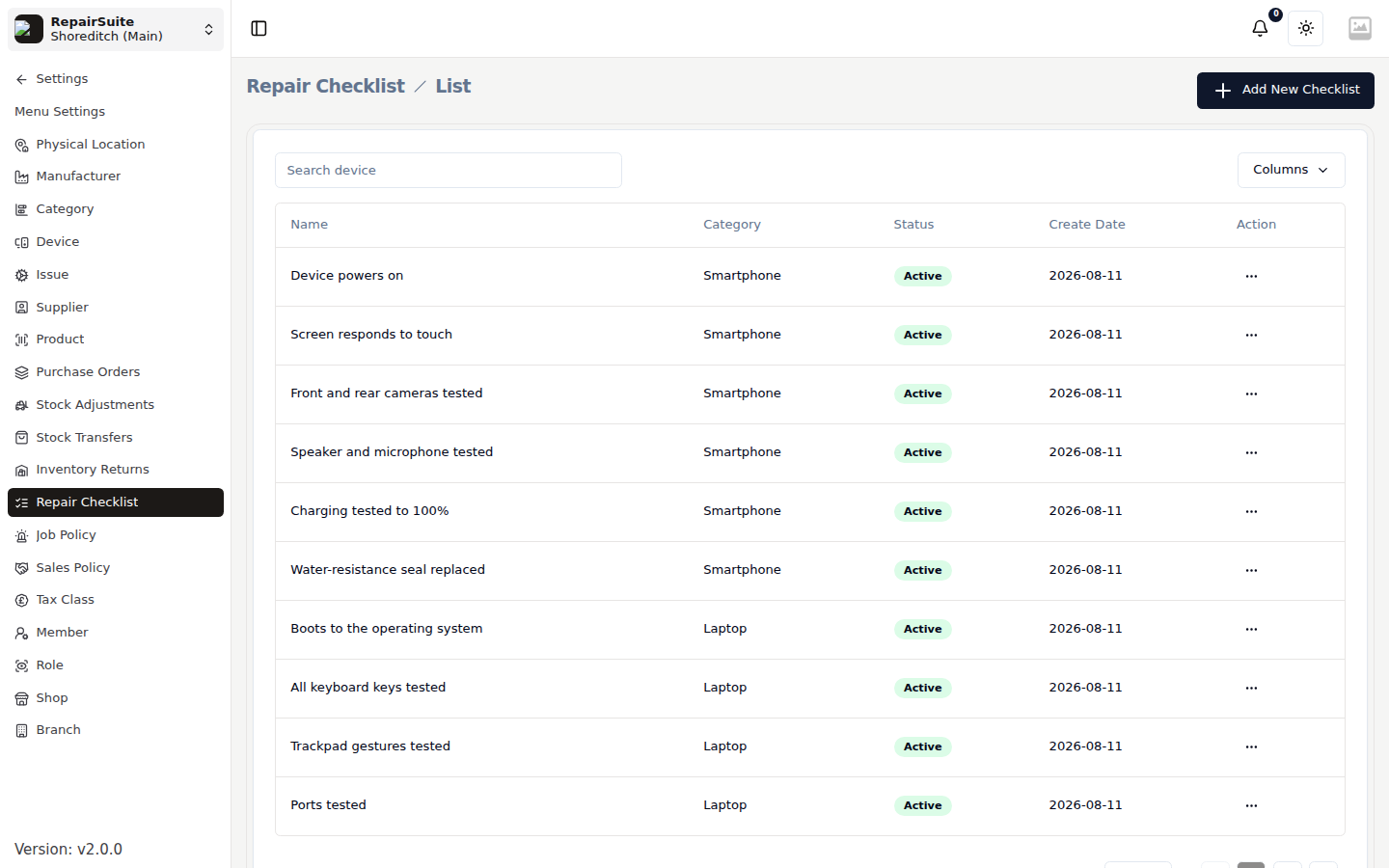
Repair Checklists are the tasks a technician works through on a repair. You define them per device category, and they appear automatically on every job for a device in that category.
Benefits
- Ensures technicians don't skip critical steps
- Creates a documented record of what was checked
- Useful for quality control and customer disputes
Creating a Checklist
- Navigate to Settings → Repair Checklists
- Click New Checklist
- Enter:
- Name — e.g. "iPhone Screen Replacement Checklist"
- Category — which device category this applies to
- Add checklist items:
- Each item is a task (e.g. "Check for physical damage before opening", "Test screen touch after replacement", "Verify Face ID works")
- Click Save
Using checklists on jobs
When a job is booked in for a device in a category that has a checklist:
- The checklist appears on the Repair Checklist tab of the job item
- Technicians check off items as they complete them
- Unchecked items are visible, providing accountability
:::tip Create category-specific checklists for your most common repair types. This standardises your repair process and improves consistency across technicians. :::