Your Profile
Profile is your own account — the details other people in the shop see, and the credentials you log in with. It is the first entry under Settings.
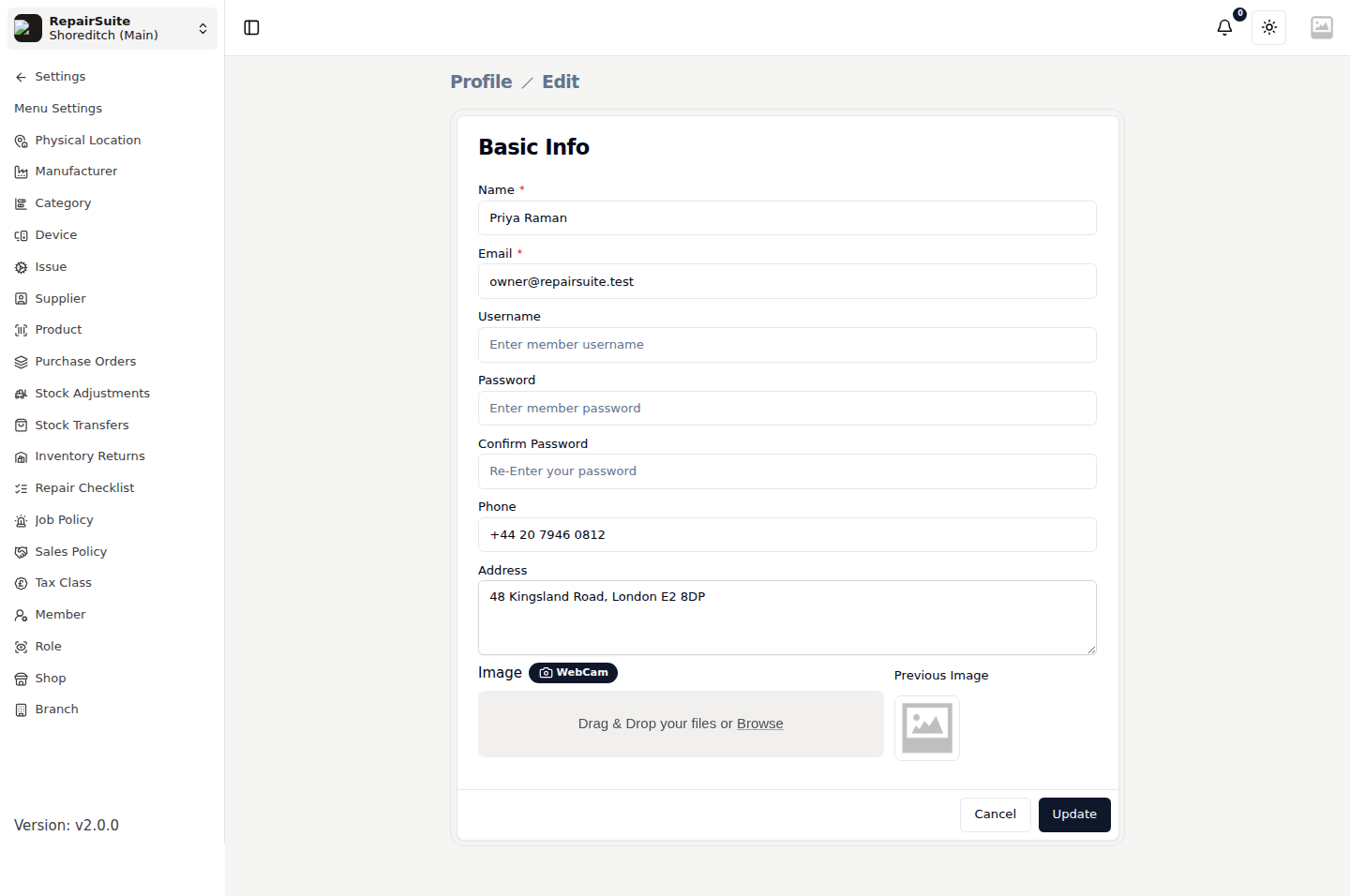
Go to Settings → Profile (/settings/profile).
Fields
| Field | Description |
|---|---|
| Name | Your name, shown on jobs you are assigned to and in the attendance overview |
| Your login address | |
| Username | An optional alternative login handle |
| Password / Confirm Password | Leave both blank to keep your current password |
| Phone | Your contact number |
| Address | Your address |
| Image | Your avatar — upload a file or take one with the webcam |
Click Update to save.
Changing your password
Fill in Password and Confirm Password, then click Update. Leaving them empty leaves your existing password alone, so you can change your phone number without touching your credentials.
:::warning Changing your email address changes the address you log in with. :::
Notifications
Notifications live under the bell in the header rather than on this page. It carries job assignments, new bookings and other activity for the branch you are working in.