Physical Locations
Physical Locations are storage areas within your branch where products are kept — such as shelves, drawers, bins, or rooms. Assigning products to locations makes them easier to find.
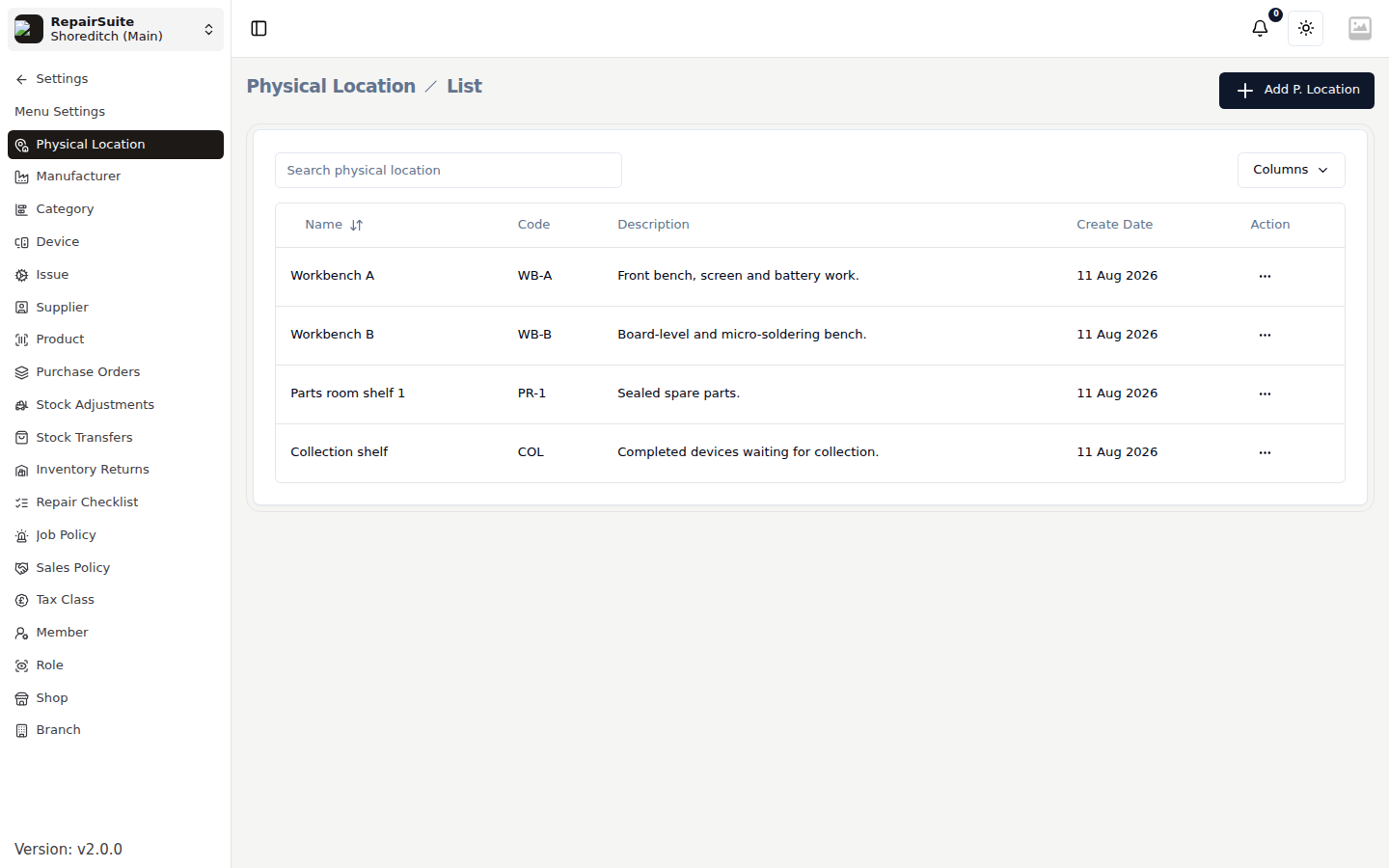
Adding a Physical Location
- Navigate to Settings → Physical Locations
- Click New Location
- Enter:
- Name — e.g. "Shelf A-1", "Drawer 3", "Back Room", "Display Case"
- Description (optional)
- Click Save
Assigning Products to Locations
After creating locations, assign products to them from the Product settings. This helps staff quickly find the right part when working on a repair.
Use Cases
- Shelf labels — print location names on product labels for warehouse-style organisation
- Multiple storage areas — separate high-value parts from common consumables
- Branch-specific locations — each branch has its own set of physical locations